
Microsoft Project for the Web - A Beginner's Guide
Skills:
PM Basics90%
Key Takeaways
Manages projects using Microsoft Project for the Web
Original Description
This course features Coursera Coach!
A smarter way to learn with interactive, real-time conversations that help you test your knowledge, challenge assumptions, and deepen your understanding as you progress through the course.
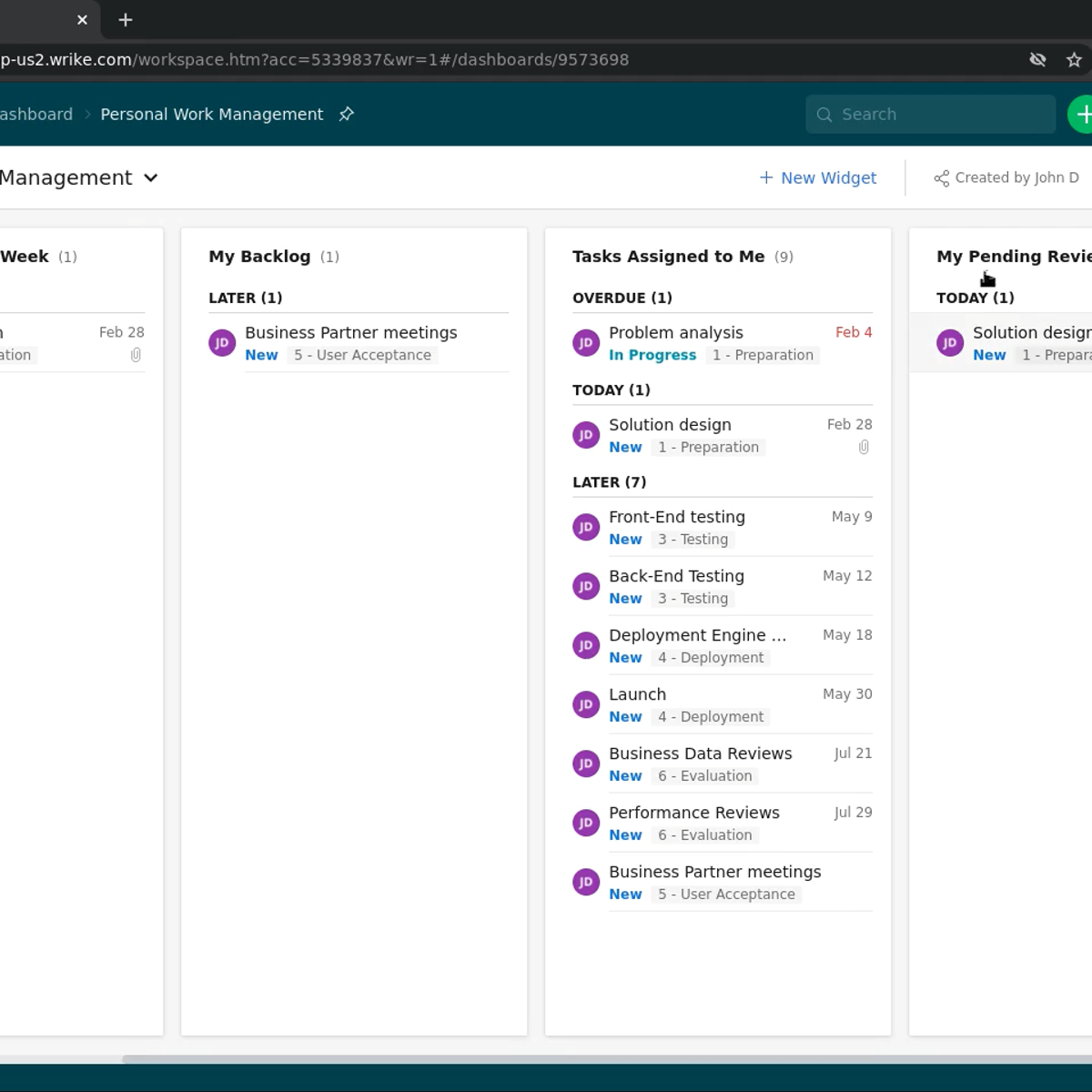
This beginner-friendly course introduces you to Microsoft Project for the Web, a cloud-based project management tool within the Microsoft Project family. You’ll learn how to use this versatile platform to manage tasks and collaborate effectively, whether you’re working individually or within a team. By the end, you’ll have the skills to create and manage projects, track progress, and visualize data for informed decision-making.
Throughout the course, you’ll start by exploring Microsoft Planner, understanding its similarities and differences with Project for the Web. From there, you’ll gradually build up to more complex features of Project for the Web, such as task management, dependencies, custom reports, and even Power BI integration for reporting. Along the way, you will gain hands-on experience through interactive exercises that reinforce your learning.
This course is designed to provide a practical, step-by-step guide to mastering Project for the Web. You will begin with basic concepts like creating and editing tasks, then progress to more advanced topics such as project roadmaps, customizing columns, and creating dependencies. The final module introduces Power BI for reporting, helping you visualize project data in meaningful ways.
The course is perfect for beginners looking to dive into project management tools within Microsoft 365. No prior experience with Microsoft Project is required, though familiarity with Microsoft 365 tools like Outlook and Teams will be helpful. Whether you're a new user or looking to switch from another project management tool, this course offers the foundation you need to manage projects using Project for the Web confidently.
Watch on External: Coursera ↗
(saves to browser)
Sign in to unlock AI tutor explanation · ⚡30
More on: PM Basics
View skill →




Related Reads
📰
📰
📰
📰
Por qué el "precio de lista" de una tienda no vale nada (y cómo construimos un tracker honesto)
Dev.to · Edu Tor
FDA Recall API: A Working Guide to openFDA Enforcement
Dev.to · Mayd-It
Common Mistakes New Data Engineers Make (And How to Avoid Them)
Dev.to · Abhishek Konagalla
DuckDB vs PostgreSQL: I Ran the Same Query on Both. One Finished in 12ms. The Other Timed Out.
Medium · Programming
🎓
Tutor Explanation

 DeepCamp AI