Master SPSS GUI Navigation and Data Analysis Skills
Key Takeaways
Mastering SPSS GUI navigation and data analysis skills, including data preparation and visualization
Original Description
By the end of this course, learners will be able to navigate the SPSS graphical user interface with confidence, manage datasets efficiently, perform data preparation and statistical analysis tasks, create meaningful visualizations, and use built-in help and diagnostic tools to troubleshoot common issues.
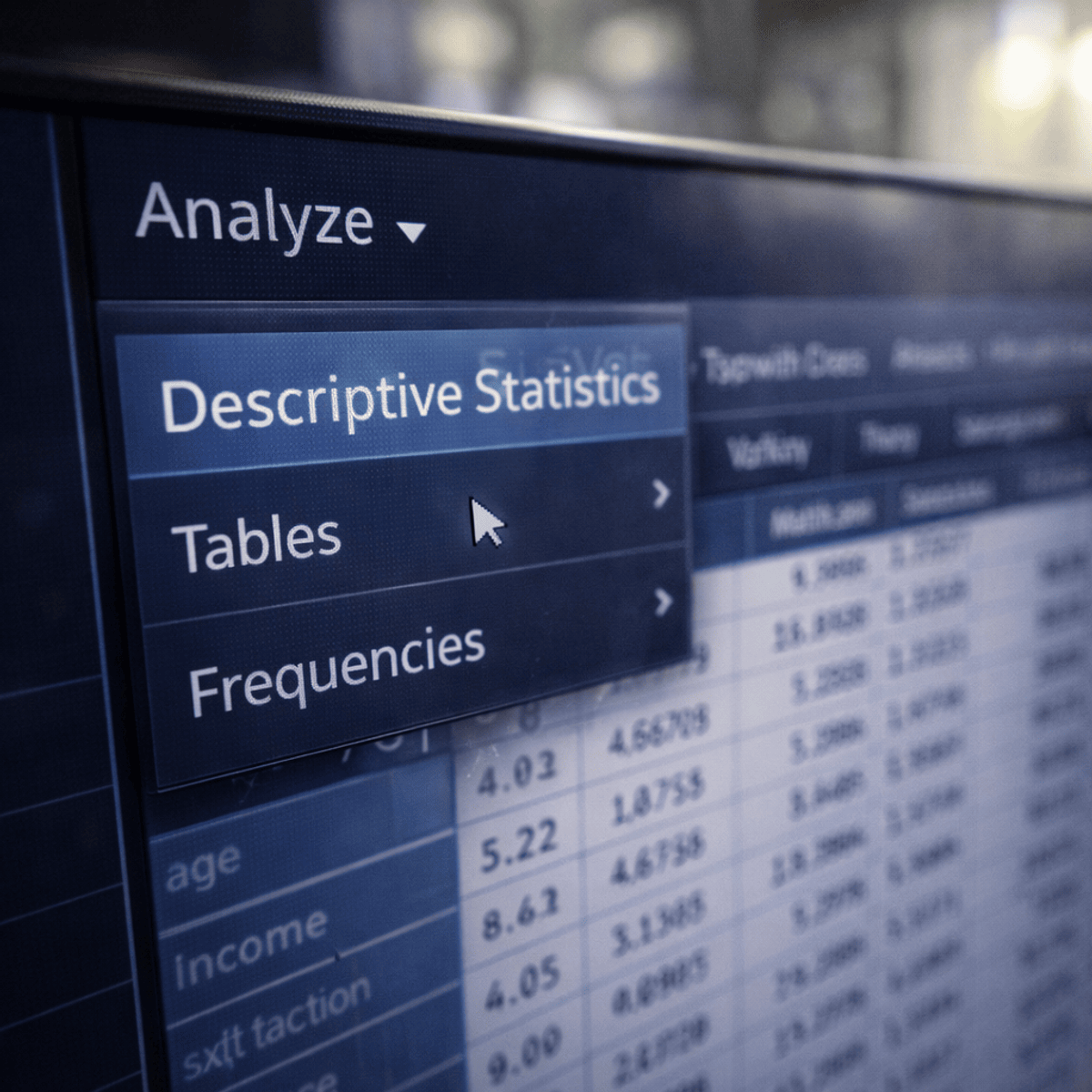
This course is designed to help learners build a strong, practical understanding of the SPSS GUI through a structured, menu-driven approach. Rather than focusing on complex formulas or programming, the course emphasizes hands-on familiarity with SPSS menus such as File, Edit, View, Analyze, Data, Transform, Graphs, Utilities, and Help. Learners will gain clarity on how each menu fits into the overall data analysis workflow, enabling faster and more accurate decision-making.
What makes this course unique is its complete GUI-first learning path, making SPSS accessible to beginners, non-programmers, and professionals who want to work efficiently without relying on syntax. Through step-by-step explanations and real-world navigation scenarios, learners will develop transferable skills that improve productivity, reduce errors, and build confidence when working with SPSS in academic, business, or research environments.
Watch on External: Coursera ↗
(saves to browser)
Sign in to unlock AI tutor explanation · ⚡30
Related Reads
📰
📰
📰
📰
Clipdrop vs Runway vs Kling: Which is Best for Drama in 2026?
Dev.to AI
The Ultimate Guide to Crafting a Stellar Resume with AI Technology
Dev.to AI
Observability Design for the AI Era — Application / Infrastructure / CI / LLM, Each in Its Own Shape (Part 1)
Dev.to · Ryosuke Tsuji
The AI Resource I Could Never Find — So I Decided to Build It
Medium · AI
🎓
Tutor Explanation

 DeepCamp AI