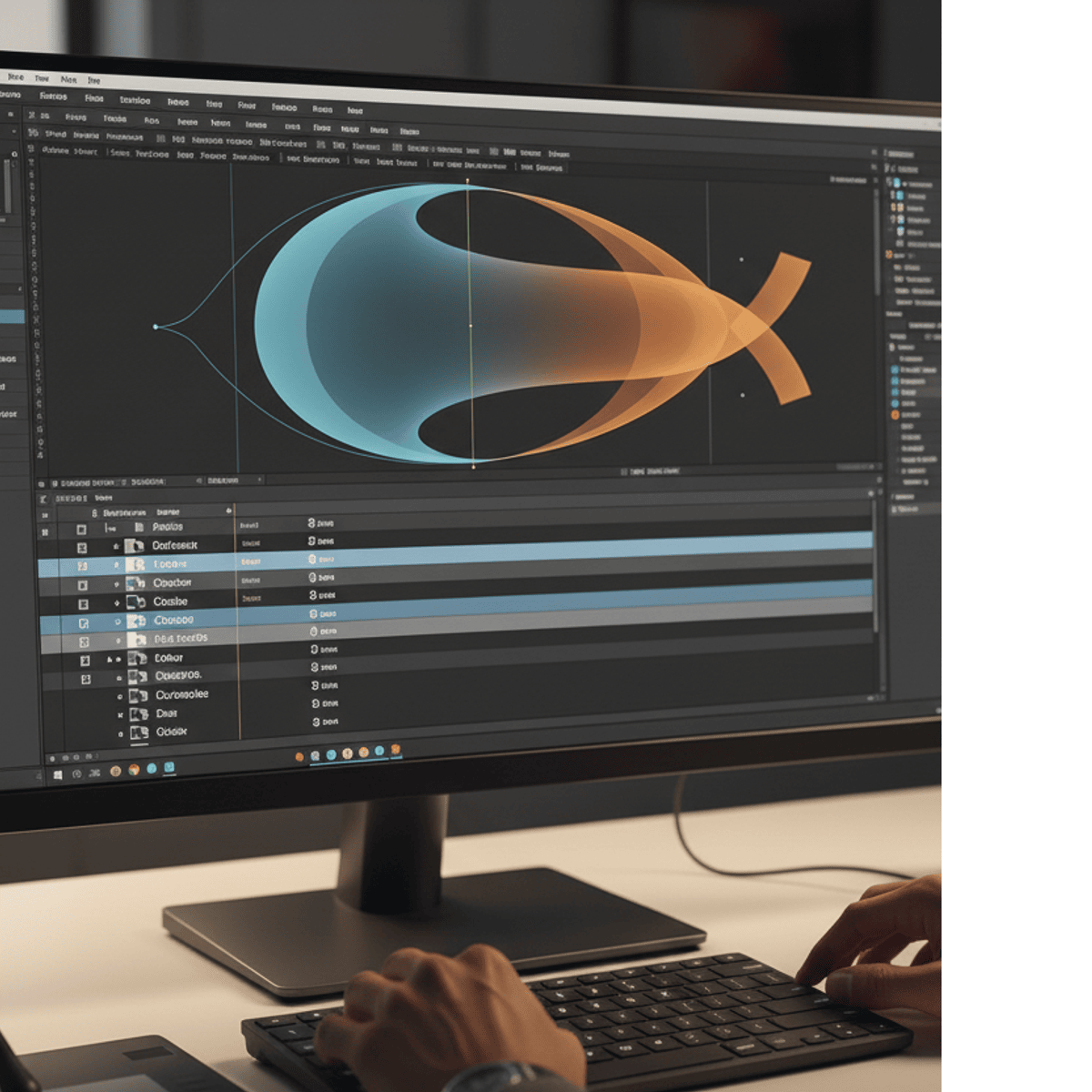
Master Motion Graphics in After Effects: Create & Animate
Skills:
AI Design Tools70%
Key Takeaways
Master motion graphics creation and animation in Adobe After Effects
Original Description
Learn to create, animate, refine, and enhance motion graphics using industry-standard techniques in Adobe After Effects. In this hands-on course, learners will develop the ability to design vector shapes, apply smooth animations, build dynamic motion banners, and craft professional lower-third text elements. By exploring essential tools such as Trim Paths, Easy Ease, stroke styling, and color controls, learners will gain the practical skills needed to produce polished, engaging visual compositions.
Throughout the course, learners benefit from step-by-step guidance that builds confidence through real-world workflows used in motion design studios. Each module offers focused, skill-driven lessons that help learners apply creative concepts while mastering technical precision. What makes this course unique is its clear progression—from foundational shape animation to advanced text motion graphics—ensuring learners not only understand After Effects tools but also learn how to use them thoughtfully to support visual communication.
By the end of the course, learners will be able to create clean, modern animations suitable for social media, branding, and video production, preparing them for professional motion design projects.
Watch on External: Coursera ↗
(saves to browser)
Sign in to unlock AI tutor explanation · ⚡30
More on: AI Design Tools
View skill →







![How to Make Youtube Thumbnail in Inkscape [2026 Full Guide]](https://img.youtube.com/vi/Ju-qqAqvRxk/mqdefault.jpg)

Related Reads
📰
📰
📰
📰
Bukan Menggantikan, Ini Cara Memanfaatkan AI Terkini untuk Naikin Produktivitas Kerjamu
Medium · AI
Rytr vs QuillBot for Academic Writing 2026: Which AI Tool Actually Saves Your Thesis?
Dev.to AI
Automating Exposure and Color Corrections: AI Retouching Basics for Headshot Photographers
Dev.to AI
I Built a Browser-Based YouTube Frame Extractor (No FFmpeg Required)
Dev.to · H3l!0s_T3k
🎓
Tutor Explanation

 DeepCamp AI