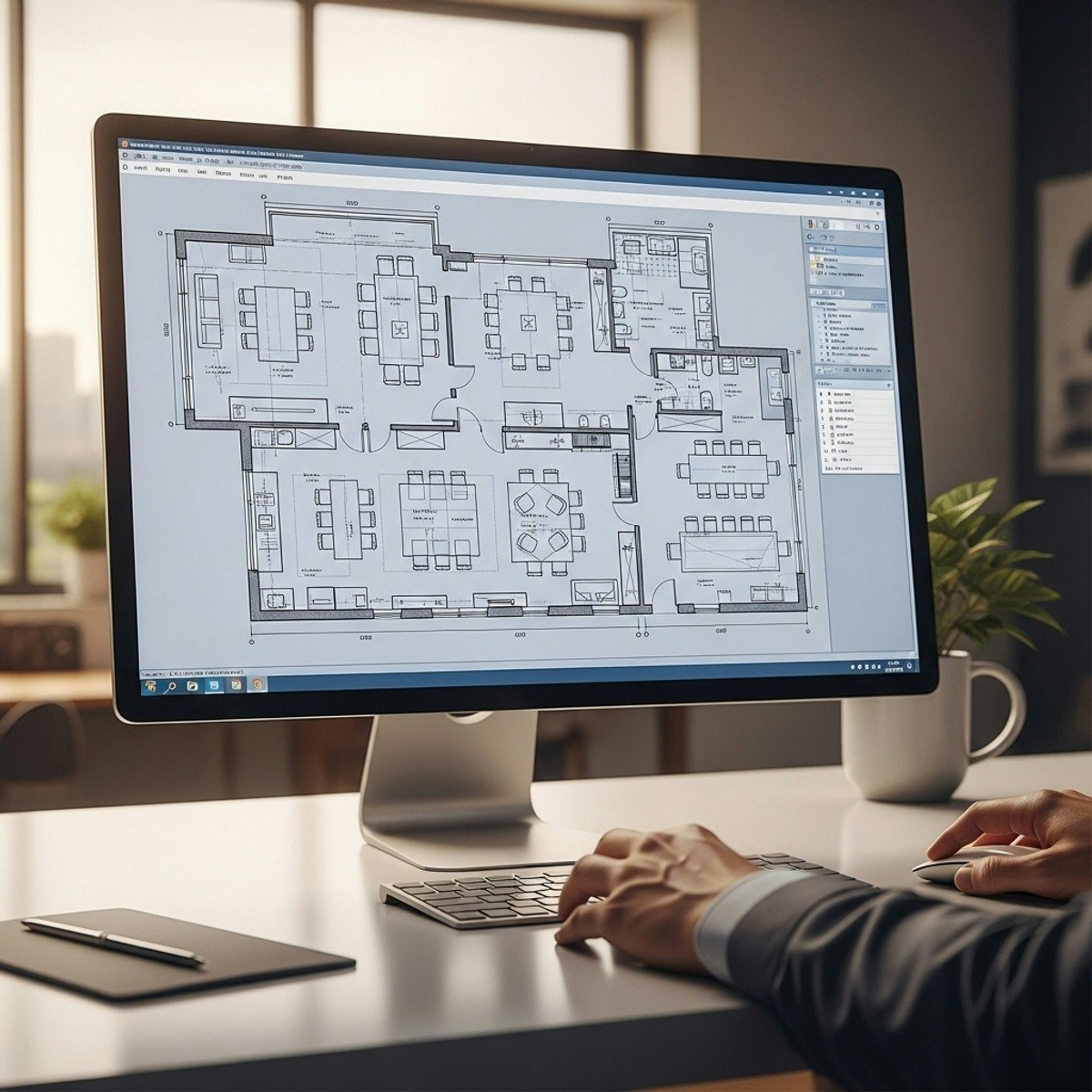
Master Corporate Office Layouts with AutoCAD
Learners will set up architectural base plans, design structural and circulation frameworks, develop modular cabin layouts, and refine complete corporate office furniture plans using AutoCAD. This hands-on course builds the practical drafting skills needed to plan professional workspaces with precision and confidence.
Through real-world case studies, learners progress from foundational drawing setup to advanced workstation design, utility zoning, executive cabin configuration, and final layout detailing. By completing the course, they will gain the ability to interpret architectural drawings, optimize movement paths, apply ergonomic furniture planning principles, and produce industry-standard 2D office layouts.
What makes this course unique is its end-to-end workflow, using an authentic corporate office project to demonstrate every stage of the design process—from initial reference alignment to final detailing—mirroring how interior designers and CAD professionals work in real environments. No guesswork, no isolated exercises—learners gain practical, job-ready drafting experience that directly applies to workplace design, space planning, and AutoCAD documentation.
Ideal for beginners and intermediate users, this course empowers learners to create accurate, functional, and visually clear office layouts that meet industry expectations.
Watch on Coursera ↗
(saves to browser)
Sign in to unlock AI tutor explanation · ⚡30
More on: AI Productivity Tools
View skill →








Related AI Lessons
⚡
⚡
⚡
⚡
35 ChatGPT Prompts for Mechanical Design Engineers: Accelerate Design, Analysis, and Documentation
Dev.to AI
AI Learned to Write From a Million People. Yours Wasn’t One of Them.
Medium · ChatGPT
The anatomy of a single-purpose AI tool (and why I shipped two of them this week)
Dev.to AI
PasteAI: One MCP Tool Call, One Shareable Link
Dev.to · Tim Little
🎓
Tutor Explanation

 DeepCamp AI