Master Commercial Kitchen Power Layouts: Analyze & Design
Skills:
AI Design Tools60%
Key Takeaways
Analyzes and designs commercial kitchen power layouts using electrical loads, technical symbols, and wiring standards
Original Description
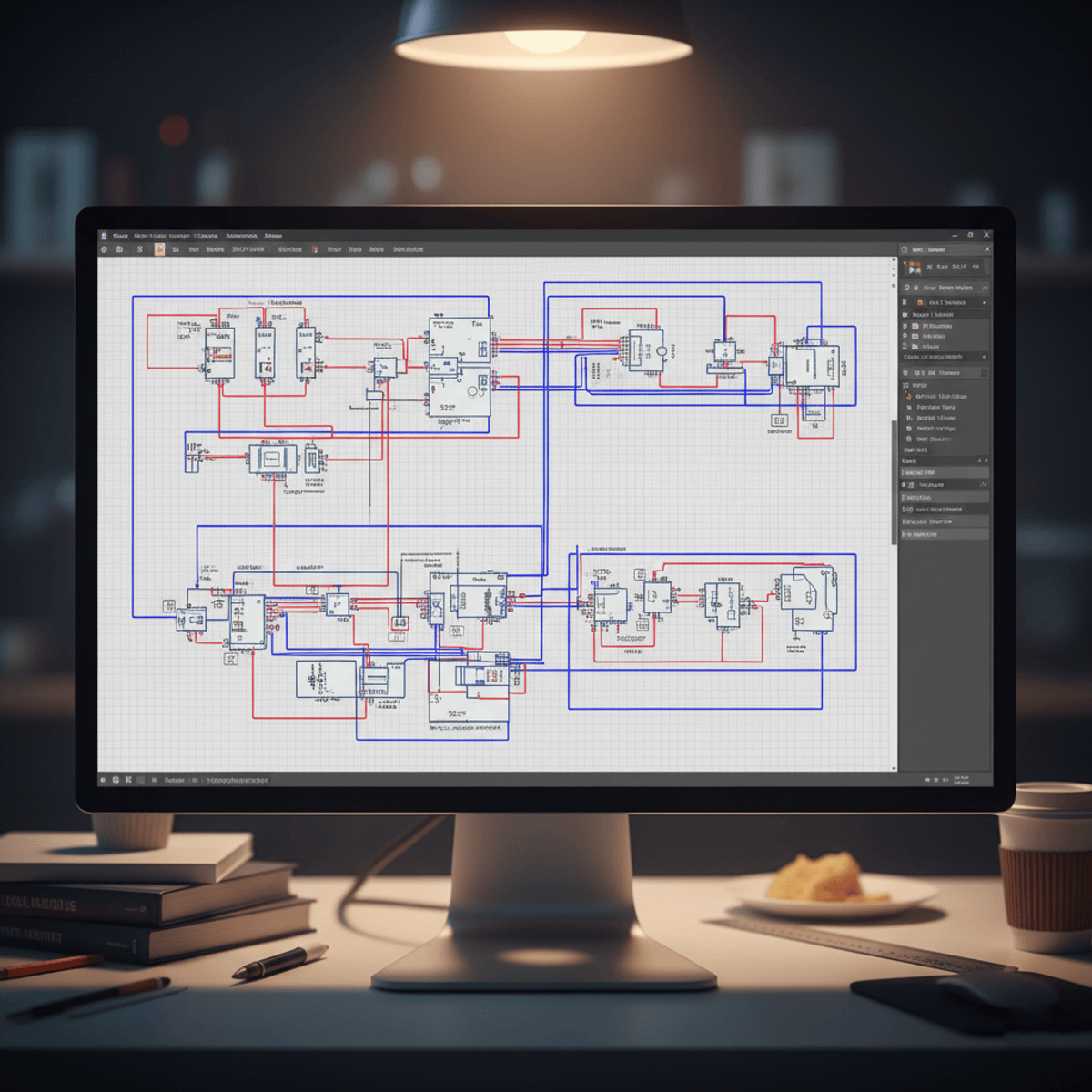
Learners will analyze electrical loads, interpret technical symbols, apply wiring standards, and design accurate power distribution layouts for commercial kitchens. This course equips learners with the practical skills needed to confidently plan and document electrical systems using real project data.
Through step-by-step video lessons, learners explore wattage calculations, tag numbering, switch placement, socket mapping, equipment load analysis, schematic diagram development, and viewport configuration inside AutoCAD. By completing the course, learners gain the ability to create safe, efficient, and code-aligned electrical layouts that meet the high-demand requirements of commercial kitchen environments.
What makes this course unique is its hands-on case study approach, allowing learners to follow a real-world electrical design workflow from concept to documentation. Instead of theory alone, learners experience the complete process of designing a commercial kitchen’s power distribution system—ensuring practical, job-ready skills. Whether pursuing a career in electrical design, MEP drafting, or AutoCAD-based layout planning, learners will leave with a strong foundation and a thoroughly documented project they can reference in professional settings.
Watch on External: Coursera ↗
(saves to browser)
Sign in to unlock AI tutor explanation · ⚡30
More on: AI Design Tools
View skill →







![How to Make Youtube Thumbnail in Inkscape [2026 Full Guide]](https://img.youtube.com/vi/Ju-qqAqvRxk/mqdefault.jpg)

Related Reads
🎓
Tutor Explanation

 DeepCamp AI