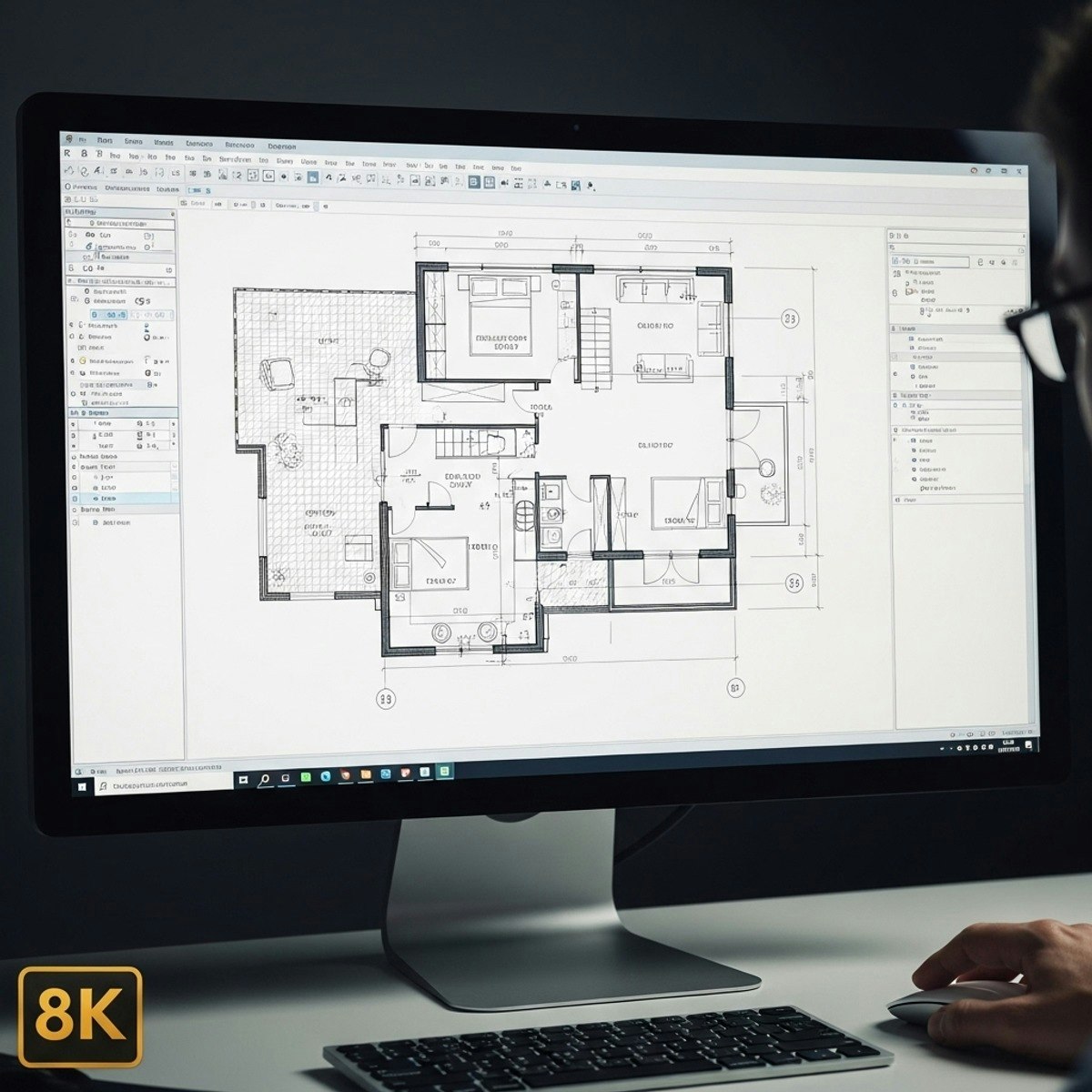
Master AutoCAD Bungalow Design: Create & Analyze Layouts
Skills:
AI Productivity Tools80%
Learners will identify essential AutoCAD skills, analyze land and area plans, create accurate architectural layouts, optimize interior furniture placement, and construct professional front elevations.
This course provides a complete, hands-on workflow for designing a bungalow or row house plan from scratch using real-world drafting practices. Through structured modules, learners begin by mapping land boundaries, plotting areas, and building foundational layout geometry. They then advance into interior space planning, refining furniture layouts for function and comfort, before completing detailed façade drawings using elevation drafting techniques.
By the end of the course, learners will have developed a comprehensive skill set for producing clean, precise, and construction-ready drawings. What makes this course unique is its practical, case-study-driven approach: every step is demonstrated through real project subtitles, allowing learners to follow authentic architectural decisions, corrections, and refinements. This ensures not just theoretical understanding but professional drafting confidence. Ideal for students, architects, and designers aiming to improve accuracy, speed, and design clarity in AutoCAD.
Watch on Coursera ↗
(saves to browser)
Sign in to unlock AI tutor explanation · ⚡30
More on: AI Productivity Tools
View skill →








Related AI Lessons
⚡
⚡
⚡
⚡
Still Think Using AI As A Creative ‘Assistant’ Is A Good Idea?
Medium · AI
The Best AI Tools for Small Business in 2026: An Independent Guide
Medium · AI
I Used AI for 7 Days Straight — Here’s How Much Time It Saved Me
Medium · AI
I Used AI for 7 Days Straight — Here’s How Much Time It Saved Me
Medium · Programming
🎓
Tutor Explanation

 DeepCamp AI