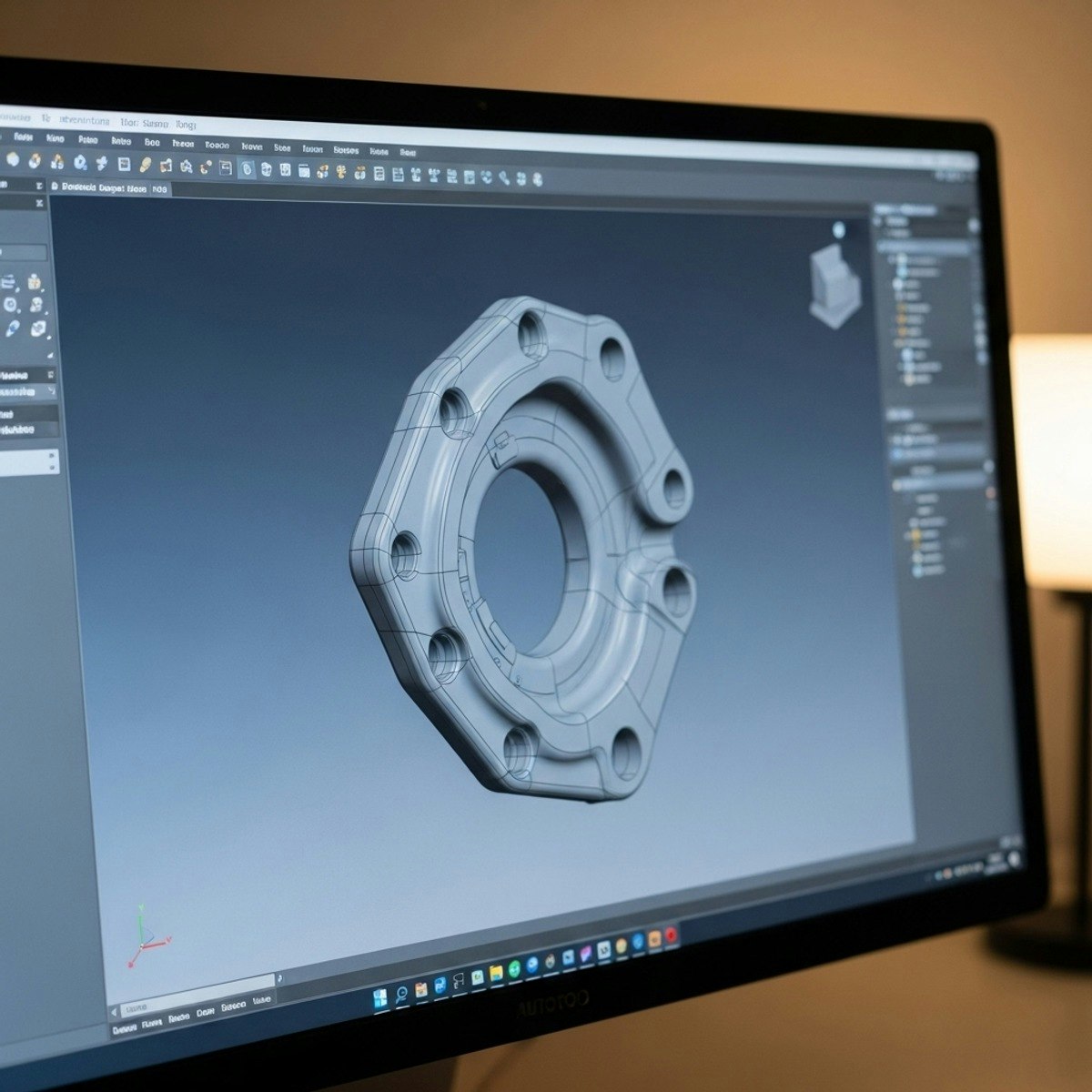
Master AutoCAD 3D: Create, Model & Transform Designs
Skills:
AI Productivity Tools80%
Key Takeaways
Masters AutoCAD 3D using workspace navigation, solid-modeling commands, and geometry manipulation
Original Description
Learners will be able to navigate the AutoCAD 3D workspace, construct foundational shapes, apply core solid-modeling commands, and manipulate complex geometry with confidence. By the end of this course, they will be equipped to extrude, revolve, and PressPull 2D profiles into solids; apply Shell and Boolean operations; and precisely rotate or move objects in 3D space.
This intermediate AutoCAD course empowers learners to build professional-grade 3D models through a structured, hands-on approach. Each module progressively develops their ability to visualize, create, and refine 3D geometry using industry-relevant tools and workflows. Learners will discover efficient techniques for navigating 3D views, applying visual styles, and shaping solids to achieve high-quality design outcomes.
What makes this course unique is its practical, lesson-aligned structure built directly from real AutoCAD workflows. Each video is paired with targeted exercises, quizzes, and scaffolded lessons designed to reinforce skill mastery. Whether transitioning from 2D drafting or expanding existing AutoCAD knowledge, learners gain the essential capabilities needed to model confidently, accurately, and creatively in a 3D environment—preparing them for real-world design challenges.
Watch on External: Coursera ↗
(saves to browser)
Sign in to unlock AI tutor explanation · ⚡30
More on: AI Productivity Tools
View skill →








🎓
Tutor Explanation

 DeepCamp AI