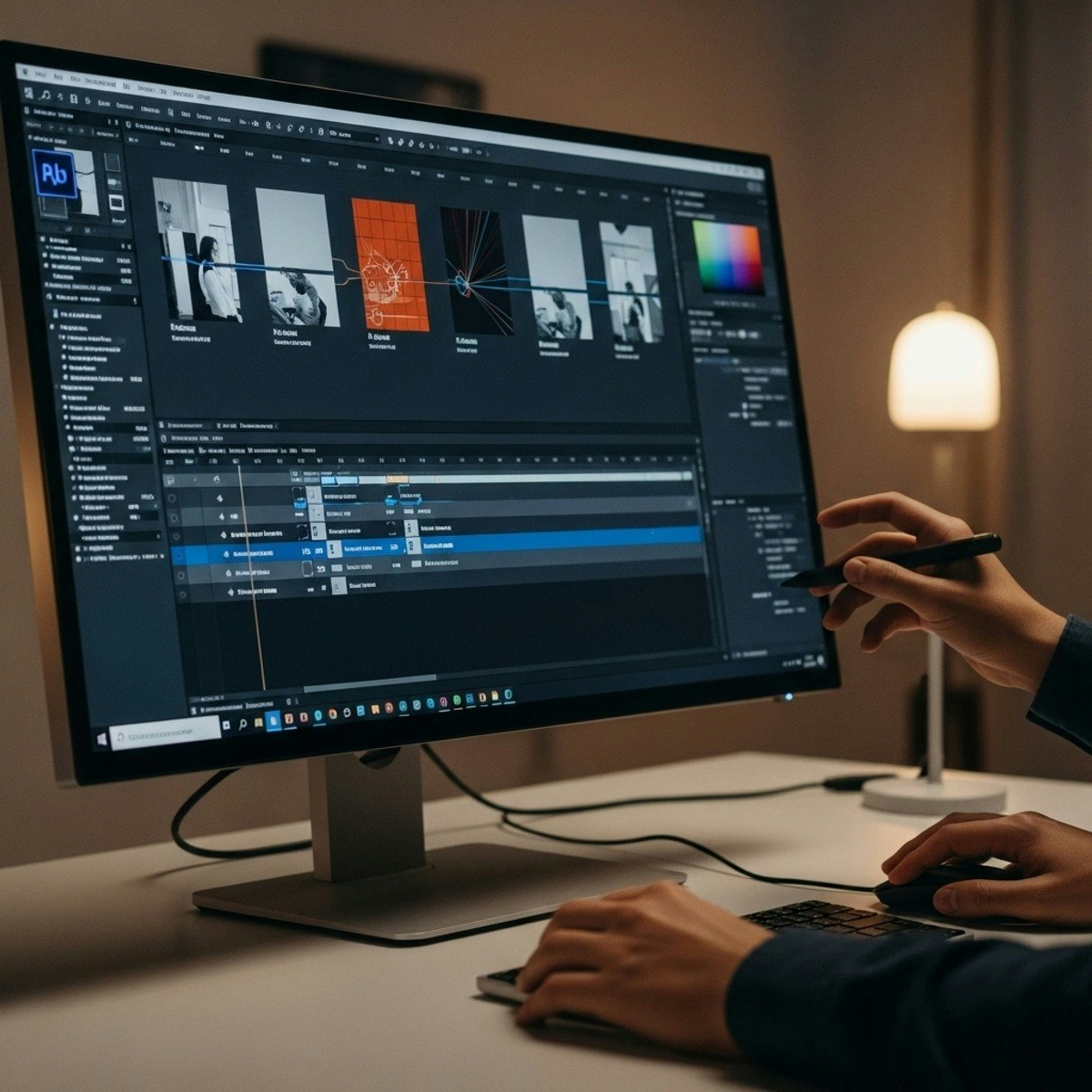
Master After Effects: Analyze & Create Dynamic Motion
Skills:
AI Productivity Tools60%
Key Takeaways
Utilizes Adobe After Effects for advanced rotoscoping, 3D space analysis, and professional motion graphics creation
Original Description
Learners will apply advanced rotoscoping tools, organize layered assets, analyze 3D space, and create professional animations and motion graphics using the latest features in Adobe After Effects. This course builds practical, industry-ready skills by guiding learners through real projects, compositing workflows, and design principles that strengthen visual communication.
Throughout the course, learners benefit from hands-on demonstrations using intelligent tools like Roto Brush 2.0, seamless Photoshop integration, optimized composition settings, and animation techniques grounded in established motion-design fundamentals. By mastering visual hierarchy, easing, timing, and 3D navigation, learners gain the confidence to produce polished, compelling content for digital media, branding, and storytelling applications.
What makes this course unique is its focus on practical creativity, blending automation-powered features with professional design workflows. Rather than just observing tools, learners actively implement them across structured lessons and project-based challenges. By the end of the course, learners will be equipped to construct smooth animations, design clear motion graphics, and execute efficient After Effects pipelines suited for real-world creative production.
Watch on External: Coursera ↗
(saves to browser)
Sign in to unlock AI tutor explanation · ⚡30
More on: AI Productivity Tools
View skill →








🎓
Tutor Explanation

 DeepCamp AI