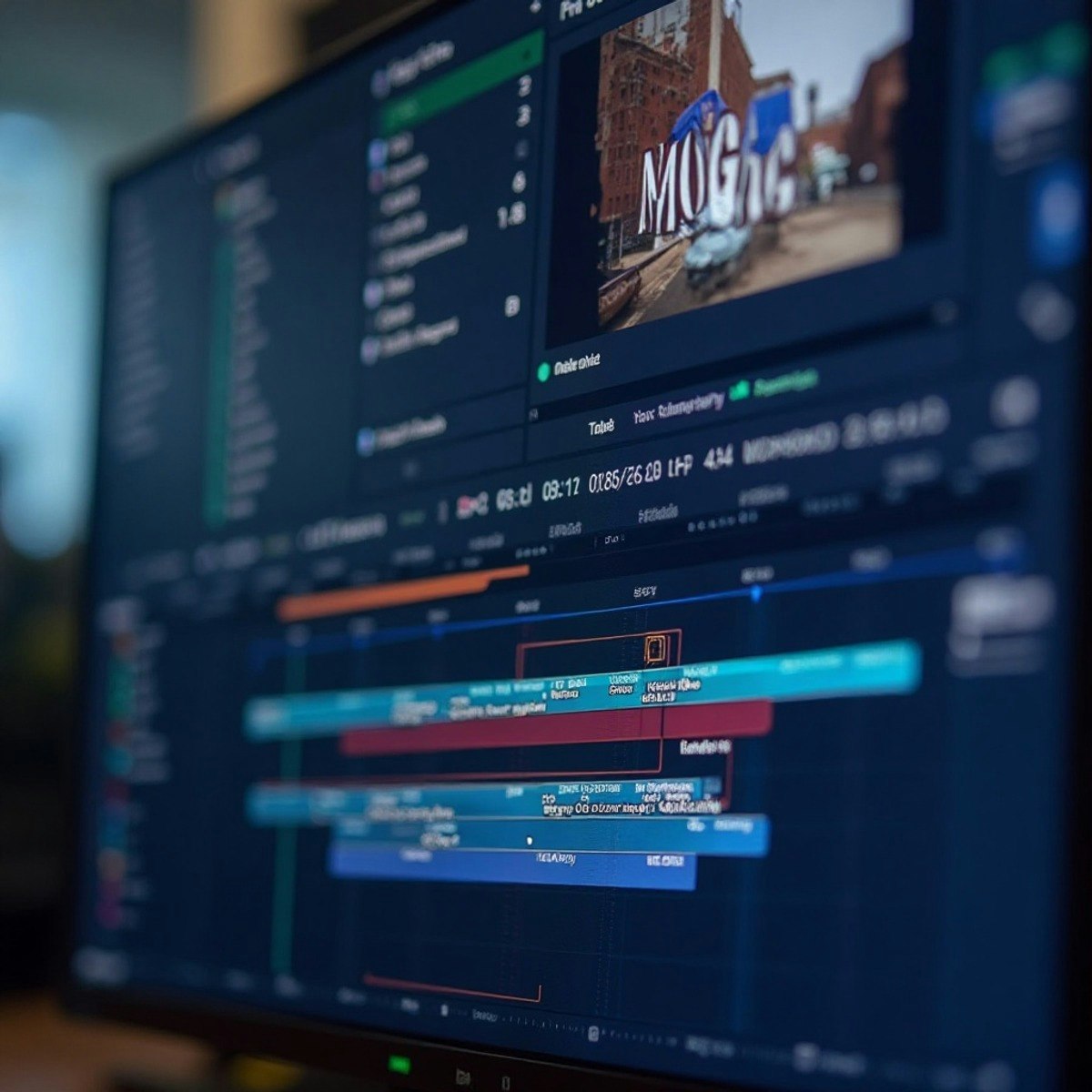
Master Advanced Video Editing with Adobe Premiere Pro
By the end of this course, learners will stabilize complex footage, design professional motion graphics, create reusable MOGrt templates, animate Essential Graphics, and produce accurate, platform-ready captions using Adobe Premiere Pro. Learners will apply advanced editing techniques to enhance visual quality, maintain branding consistency, and ensure accessibility compliance in professional video workflows.
This course is designed for editors who already understand the fundamentals of Adobe Premiere Pro and want to elevate their skills to an advanced, production-ready level. Through structured modules, learners gain hands-on experience with Warp Stabilizer optimization, advanced text styling, motion graphics template creation, dynamic media replacement, callout design, and end-to-end captioning workflows. Each lesson builds practical expertise that can be immediately applied to real-world projects.
What makes this course unique is its focus on reusable, scalable workflows rather than isolated features. Learners not only master individual tools but also learn how to integrate them into efficient, collaborative editing pipelines. Upon completion, learners will be equipped to deliver polished, accessible, and visually consistent video content that meets modern industry standards.
Watch on Coursera ↗
(saves to browser)
Sign in to unlock AI tutor explanation · ⚡30
Related AI Lessons
⚡
⚡
⚡
⚡
This Tool is Changing How Chinese Devs Build AI Apps
Dev.to AI
Japan’s Monster Wolf robot is a $4,000 scarecrow with red LED eyes, and it actually works
The Next Web AI
5 Claude AI Prompts That Save Me 10 Hours Every Week (Copy & Paste Ready)
Medium · ChatGPT
Desktop vs Web Applications for PDF Accessibility Validation
Medium · AI
🎓
Tutor Explanation
 DeepCamp AI