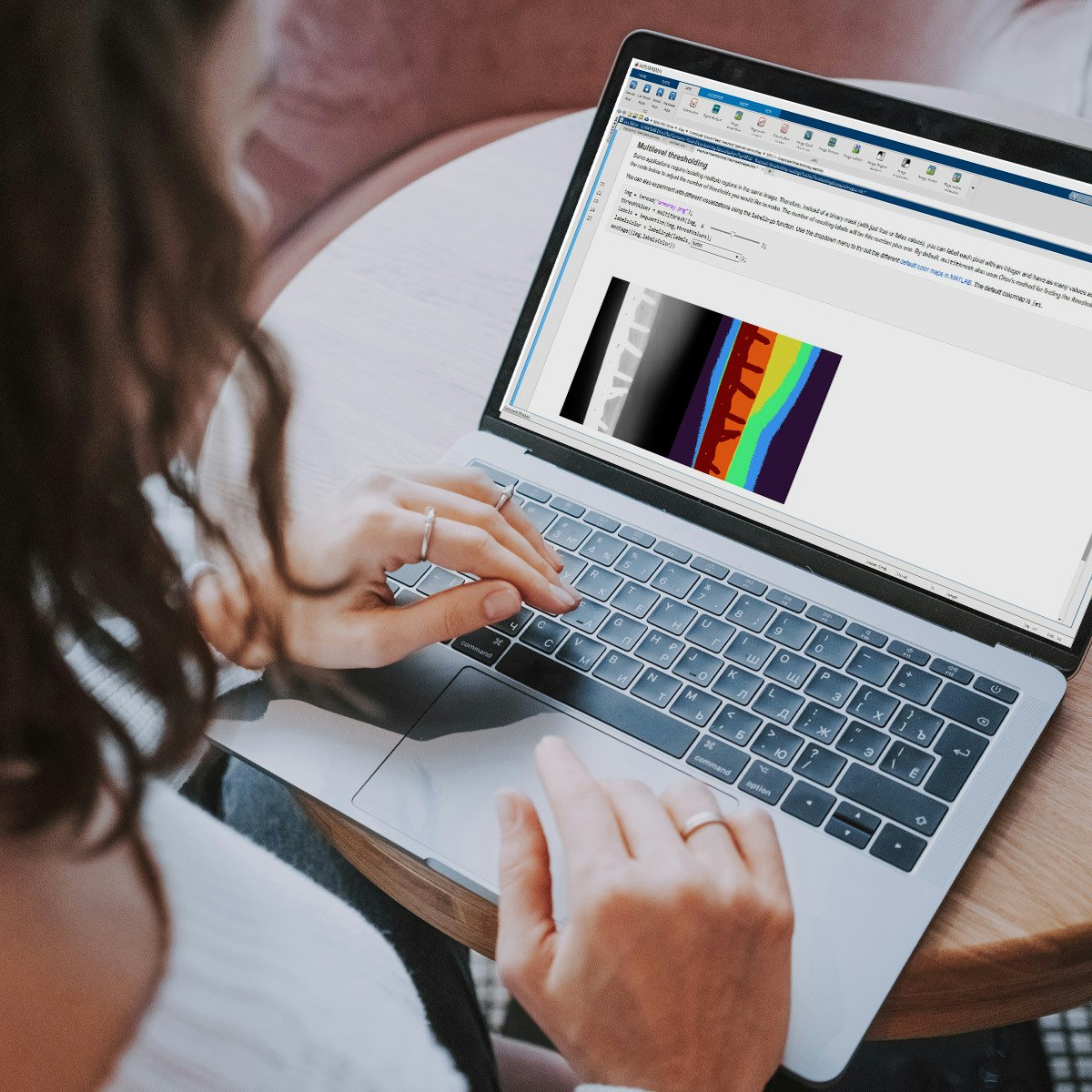
Introduction to Image Processing
Key Takeaways
Loads, saves, and adjusts image size and orientation using basic image processing techniques
Original Description
In this introduction to image processing, you'll take your first steps in accessing and adjusting digital images for analysis and processing. You will load, save, and adjust image size and orientation while also understanding how digital images are recognized. You will then perform basic segmentation and quantitative analysis. Lastly, you will enhance the contrast of images to make objects of interest easier to identify.
By the end of the course, you’ll apply your segmentation skills to identify regions of interest, such as the amount of surface water from satellite images. This introduction to image processing will give you the foundation you need to conduct more advanced work on this topic.
You will use MATLAB throughout this course. MATLAB is the go-to choice for millions of people working in engineering and science and provides the capabilities you need to accomplish your image processing tasks. You will be provided with free access to MATLAB for the duration of the course to complete your work.
To be successful in this course you should have a background in basic math and some exposure to MATLAB. If you want to familiarize yourself with MATLAB check out the free, two-hour MATLAB Onramp. Experience with image processing is not required.
Watch on External: Coursera ↗
(saves to browser)
Sign in to unlock AI tutor explanation · ⚡30
More on: CV Basics
View skill →






Related AI Lessons
⚡
⚡
⚡
⚡
When the Camera Becomes an Exam Proctor: Building an AI-Powered Exam Monitoring System with…
Medium · Python
When the Camera Becomes an Exam Proctor: Building an AI-Powered Exam Monitoring System with…
Medium · Deep Learning
When the Camera Becomes an Exam Proctor: Building an AI-Powered Exam Monitoring System with…
Medium · Cybersecurity
Your Face Is About to Become Your Phone Number
Dev.to AI
🎓
Tutor Explanation

 DeepCamp AI