HTML for Beginners: Working with Images
Skills:
HTML & CSS90%
Key Takeaways
Adds images to web pages and styles them using HTML
Original Description
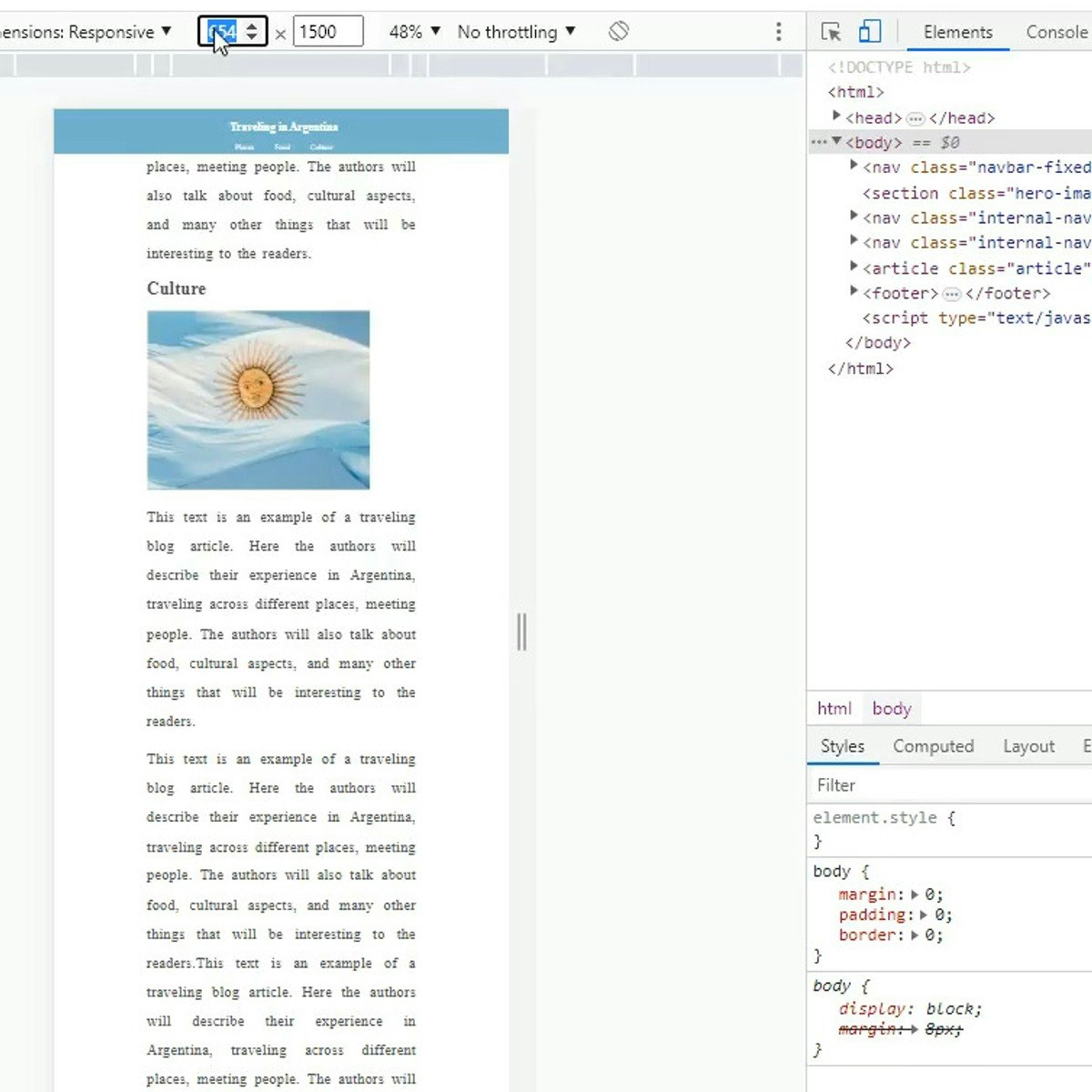
In this project you will learn how to add images to a web page and style them, create links out of images, set up image backgrounds to page sections, and make images responsive to the screen size for a responsive layout. To complete this project successfully you will need just passion, and a very introductory knowledge of HTML. This project is ideal for those who are interested in website and front-end development.
Watch on External: Coursera ↗
(saves to browser)
Sign in to unlock AI tutor explanation · ⚡30
More on: HTML & CSS
View skill →








Related Reads
📰
📰
📰
📰
I Built a 100% Free, Frictionless Resume Builder with Direct PDF/Word Exports
Dev.to · Solangi Waqas
How to Deploy Angular SSR on Cloudflare Workers for Free — No VPS, No Fees, No Credit Card.
Medium · JavaScript
How I Added Browser-Based HEIC to JPG Conversion (No Server, No Upload)
Dev.to · Rushikesh Lade
Angular Signals in 2026: From Fundamentals to Architect-Level Patterns
Dev.to · Amanulla Khan
🎓
Tutor Explanation

 DeepCamp AI