HTML for Beginners: Tables and Forms
Key Takeaways
Creates tables and forms in HTML
Original Description
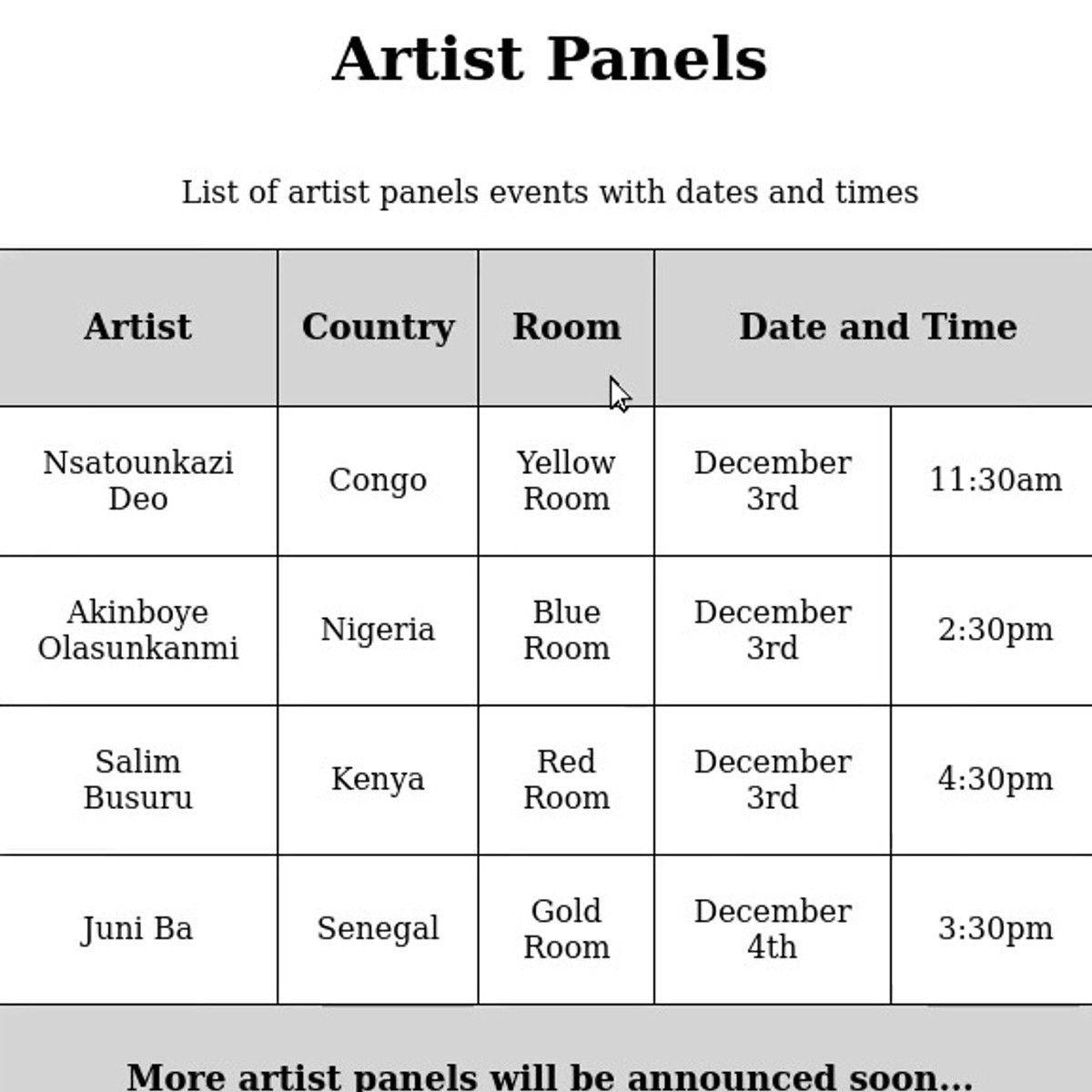
In this 70 minutes long project-based course, you will learn how to create a table and a form in HTML, and style them using CSS. To achieve this, we will work through creating an structuring a table using the <table>, <col>, <thead>, <tbody>, <th>, <tr> and <td> elements. We will proceed then to create a form using the <form>, <label> and <input> elements, adding different inpu types using the ""type"" attribute of the <input> element. We will also use elements of CSS to style and structure the layout, colors and text properties of the table and form, including the form submission button. This project is unique because it will practically and rapidly let you gain the skills to create table views for your website and interact with your users. You can use the skills acquired in this project to create events and products listings, or add ""contact us"" or ""booking"" forms to your website. In order to be successful in this project, you will need just passion and a very introductory knowledge to HTML and CSS. specifically knowing just how to write an HTML element, what are tags and attributes, classes and IDs.
Watch on External: Coursera ↗
(saves to browser)
Sign in to unlock AI tutor explanation · ⚡30
Related Reads
🎓
Tutor Explanation

 DeepCamp AI