How to put together your first workflow in Brand Studio
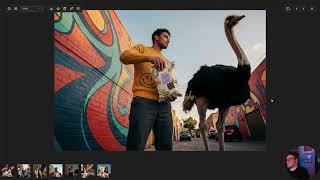
A single generated image is rarely production-ready without some tinkering. Maybe it needs to fit a banner, or a detail needs to change for a specific market.
That’s what workflows are for. Instead of re-generating from scratch over and over, we’ll get one image to the finish line in three steps.
What you'll learn:
✂️ Step 1: Remove the Background: Isolate your subject as a transparent PNG with original lighting intact. Use the Remove tool to clean up any edges before moving on.
🌄 Step 2: Expand and Recompose: Use Outpaint to extend the original image to your target ratio (21:9, landscape…
Watch on YouTube ↗
(saves to browser)
 DeepCamp AI