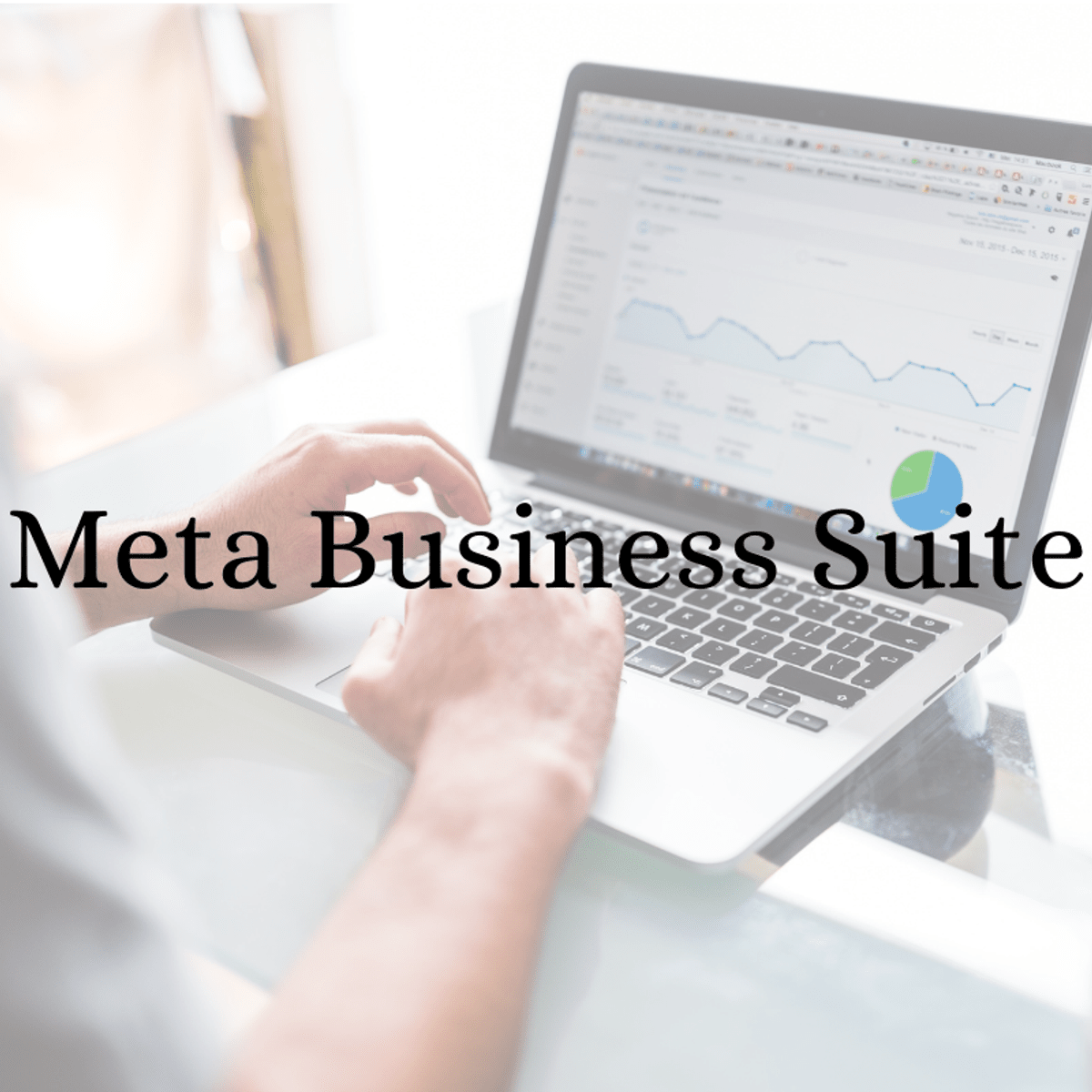
How to find audience interests with Meta Business Suite
Skills:
AI Marketing60%
Facebook has a new name, and with that new name also, a new platform for their businesses. Now, better known today as Meta has a new view of everything in the Business Suite, and we want to show you how the new tools work. These will show you how to find Facebook Audience Insight. This project will show the tools you need to know this game of Meta Business Suite. That will help you find the audience following you, the one you want to impact, and how this affects or provides better options for your business. You will know all the statistics, ages, countries, or cities where your followers or buyers are registered. So in this project, you will see all the options available to create content and ads aimed at your audience, which points to fantastic opportunities for your business. You will be able to see how to create an ad aimed at the audience you want and validate how the campaigns you have created offer feedback. This project is for you if you want to learn about everything Meta Business Suite offers in your audience area. We are going to practice and put hands-on work on what we learn. Be prepared to learn a lot and practice for your next project.
Watch on Coursera ↗
(saves to browser)
Sign in to unlock AI tutor explanation · ⚡30
More on: AI Marketing
View skill →







Related AI Lessons
⚡
⚡
⚡
⚡
GoTyme heats up South Africa’s fintech talent war with employee ownership plan
TechCabal
What “Spend All Your Money” Teaches About Getting Richer by Spending More
Medium · AI
Staff Augmentation vs Freelancers vs In-House: What Actually Works in 2026
Dev.to · Ihor Ostin
Hiring in India on a Budget: 5 Cost-Effective Ways to Find Quality Freshers
Medium · AI
🎓
Tutor Explanation

 DeepCamp AI