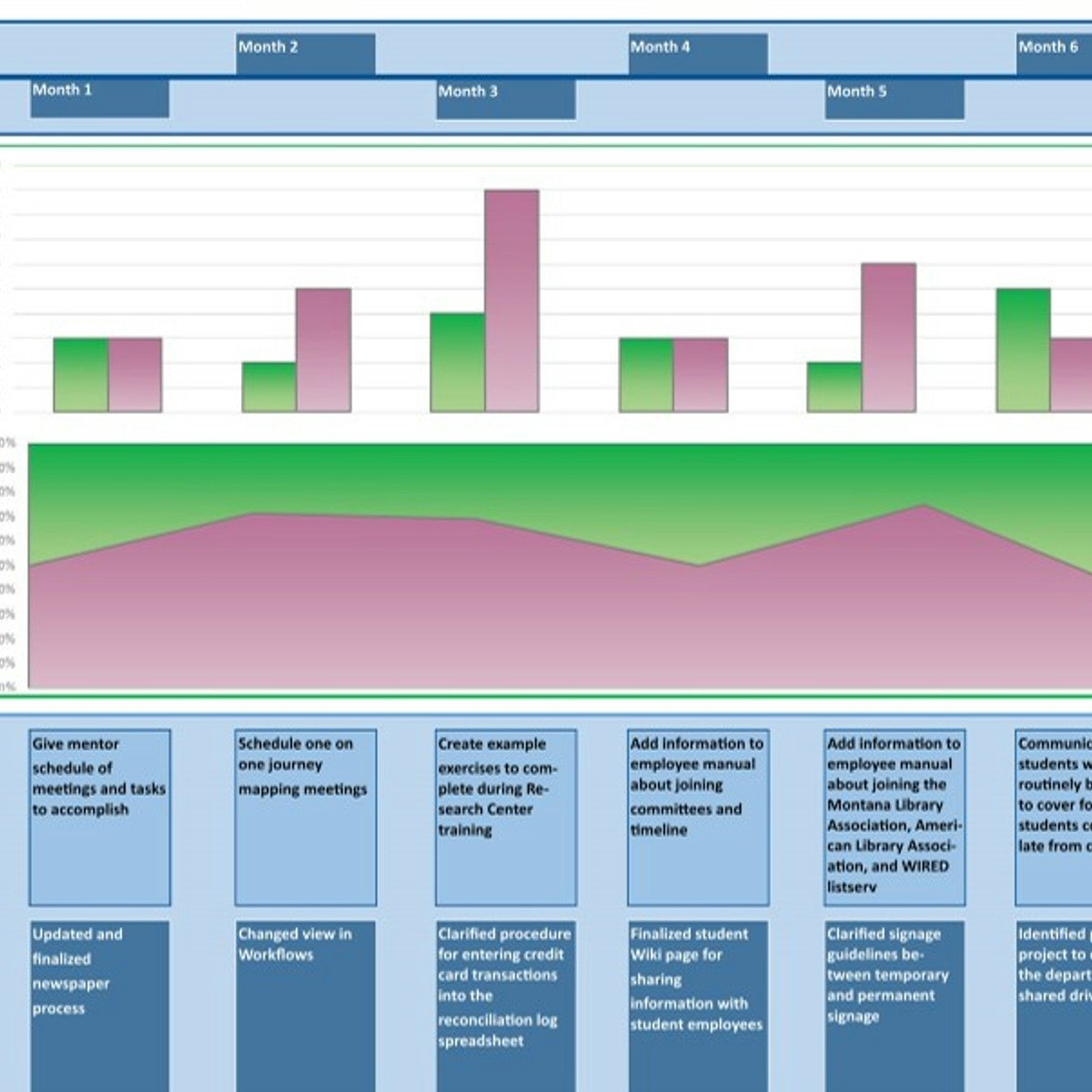
Generate a User Experience (UX) Onboarding Map in Miro
Key Takeaways
Generating a user experience onboarding map in Miro
Original Description
By the end of this project, you will be able to generate a user experience onboarding map to visualize the complete entry process that a user has at the start of their relationship with a brand so that an organization can grow longevity by ensuring that they get off on the right foot with users.
To do this you will gain hands-on experience exercising empathy to accurately document brand touchpoint, pain points, and gain points across the onboarding journey in the Miro online visual collaboration platform for teamwork.
Note: This course works best for learners who are based in the North America region. We’re currently working on providing the same experience in other regions.
Watch on External: Coursera ↗
(saves to browser)
Sign in to unlock AI tutor explanation · ⚡30
Related Reads
📰
📰
📰
📰
UX Case Study — Menu Krusial Lapor Diri pada SPMB Online “Tidak Ditemukan”??
Medium · UX Design
Can we talk about the portfolio double standard for a minute?
Medium · UX Design
Designing for Intelligence: 8 UX Patterns That Separate Good AI Products From Forgettable Ones
Medium · AI
Designing for Intelligence: 8 UX Patterns That Separate Good AI Products From Forgettable Ones
Medium · UX Design
🎓
Tutor Explanation

 DeepCamp AI