FULL LIVE EVENT: Introducing Microsoft Mesh: Building multi-user 3D experiences for the workplace
Skills:
Product Strategy70%
Microsoft Mesh is now generally available, helping to make 3D immersive experiences a reality in the workplace. Be among the first to learn how to leverage Mesh capabilities and toolkit to deliver enterprise-grade solutions and delightful experiences for users on PCs and in VR.
Get an overview of out-of-box capabilities like avatars, spatial audio, and synchronizing experiences across users.
Discover what you can do with the Mesh toolkit like adding interactions, physics, backend data and secure web content in your projects.
Find out how Mesh makes it easier to optimize content and simplifies publishing for the workplace.
Understand which scenarios are best suited for Mesh as well as current constraints.
Explore some of the projects that partners have already built with Mesh and learn from their experience.
Determine the best path to getting started based on your objectives and get pointers to the most relevant resources.
A live Q&A session with Microsoft experts and industry guests will immediately follow.
Microsoft Speakers
Tyler Adams | Principal PM Manager, Mesh Developer Platform Team
Tyler currently oversees the Mesh Developer platform. He has been at Microsoft for over 15 years and previously worked on mixed reality and Microsoft Office. He is skilled in user interface design, C#, and design patterns.
Rebecca Burke Aguero | Senior Product Manager, Microsoft Mesh Developer Platform Team
Rebecca has been with Microsoft for over 5 years. She currently works on Mesh Physics, Mesh Scripting, and identifying v-next strategic opportunities for the Mesh Developer Platform. Previously, Rebecca has worked as a product manager defining web standards for combatting deep fakes, as a microbiology researcher, and as an English teacher.
Industry Guests
Edward Zemba | CEO & President, Link to VR
Edward Zemba is the cofounder, and CEO of Link to VR - an XR agency which over the past decade has aided a growing number of Fortune 500 companies in leveraging the transformati
Watch on YouTube ↗
(saves to browser)
Sign in to unlock AI tutor explanation · ⚡30
Playlist
Uploads from Microsoft 365 Developer · Microsoft 365 Developer · 0 of 60
← Previous
Next →
1
 2
2
 3
3
 4
4
 5
5
 6
6
 7
7
 8
8
 9
9
 10
10
 11
11
 12
12
 13
13
 14
14
 15
15
 16
16
 17
17
 18
18
 19
19
 20
20
 21
21
 22
22
 23
23
 24
24
 25
25
 26
26
 27
27
 28
28
 29
29
 30
30
 31
31
 32
32
 33
33
 34
34
 35
35
 36
36
 37
37
 38
38
 39
39
 40
40
 41
41
 42
42
 43
43
 44
44
 45
45
 46
46
 47
47
 48
48
 49
49
 50
50
 51
51
 52
52
 53
53
 54
54
 55
55
 56
56
 57
57
 58
58
 59
59
 60
60

Adaptive Cards community call-February 2019
Microsoft 365 Developer
PowerApps community call-February 2019
Microsoft 365 Developer
Microsoft Graph community call-March 2019
Microsoft 365 Developer
Office Add ins community call-March 2019
Microsoft 365 Developer
PowerApps community call-March 2019
Microsoft 365 Developer
Microsoft Teams community call-March 2019
Microsoft 365 Developer
Using React and Office UI Fabric React Components
Microsoft 365 Developer
Build Microsoft Teams customization using SharePoint Framework
Microsoft 365 Developer
Microsoft Graph community call-April 2019
Microsoft 365 Developer
Using Change Notifications and Track Changes with Microsoft Graph
Microsoft 365 Developer
Office Add Ins community call-April 2019
Microsoft 365 Developer
Adaptive Cards community call-April 2019
Microsoft 365 Developer
Microsoft Teams community call-April 2019
Microsoft 365 Developer
Getting Started with Microsoft Graph and Application Registration
Microsoft 365 Developer
Getting Started with Microsoft Graph and the Directory API
Microsoft 365 Developer
Getting Started with Microsoft Graph and Microsoft Teams
Microsoft 365 Developer
Getting Started with Microsoft Graph Explorer
Microsoft 365 Developer
Getting Started with Microsoft Graph
Microsoft 365 Developer
Getting Started with Microsoft Graph and Mail API
Microsoft 365 Developer
Getting Started with Microsoft Graph and Office 365 Groups
Microsoft 365 Developer
Getting Started with Microsoft Graph and the Calendar API
Microsoft 365 Developer
Getting Started with the Microsoft Graph Toolkit
Microsoft 365 Developer
Getting Started with Microsoft Graph and JavaScript SDKs
Microsoft 365 Developer
Getting Started with Microsoft Graph and .NET SDKs
Microsoft 365 Developer
Discover how businesses can be more productive with Microsoft 365 integrations
Microsoft 365 Developer
Adaptive Cards community call-May 2019
Microsoft 365 Developer
Office Add-ins community call-May 2019
Microsoft 365 Developer
Why We Built on Microsoft Teams
Microsoft 365 Developer
Microsoft Teams community call-May 2019
Microsoft 365 Developer
Microsoft Graph community call-June 2019
Microsoft 365 Developer
Build Angular SPA's with Microsoft Graph - June 2019
Microsoft 365 Developer
Office Add -ins community call-June 2019
Microsoft 365 Developer
Build Android native apps with the Microsoft Graph Android SDK - June 2019
Microsoft 365 Developer
Build MVC apps with Microsoft Graph - June 2019
Microsoft 365 Developer
Authenticate and connect with Microsoft Graph - June 2019
Microsoft 365 Developer
Microsoft Graph data connect - June 2019
Microsoft 365 Developer
Change notifications with Microsoft Graph - June 2019
Microsoft 365 Developer
Build iOS native apps with the Microsoft Graph REST API - June 2019
Microsoft 365 Developer
Build Node.js Express apps with Microsoft Graph - June 2019
Microsoft 365 Developer
Smart UI with Microsoft Graph - June 2019
Microsoft 365 Developer
Leveraging the Microsoft Graph API from the SharePoint Framework - June 2019
Microsoft 365 Developer
Build UWP apps with Microsoft Graph - June 2019
Microsoft 365 Developer
Build React SPA's with Microsoft Graph - June 2019
Microsoft 365 Developer
Getting Started with Microsoft Graph and Batching
Microsoft 365 Developer
Getting Started with Microsoft Graph and Change Notifications
Microsoft 365 Developer
Getting Started with Microsoft Graph and Consent Permissions
Microsoft 365 Developer
Getting Started with Microsoft Graph and Education
Microsoft 365 Developer
Getting Started with Microsoft Graph and Financials
Microsoft 365 Developer
Getting Started with Microsoft Graph and Excel
Microsoft 365 Developer
Getting Started with Microsoft Graph and Data Connect
Microsoft 365 Developer
Getting Started with Microsoft Graph and Intune
Microsoft 365 Developer
Getting Started with Microsoft Graph and Notifications
Microsoft 365 Developer
Getting Started with Microsoft Graph and OneNote
Microsoft 365 Developer
Getting Started with Microsoft Graph and OneDrive
Microsoft 365 Developer
Getting Started with Microsoft Graph and Open Extensions
Microsoft 365 Developer
Getting Started with Microsoft Graph and Paging
Microsoft 365 Developer
Getting Started with Microsoft Graph and Schema Extensions
Microsoft 365 Developer
Getting Started with Microsoft Graph and Security API
Microsoft 365 Developer
Getting Started with Microsoft Graph and Query Parameters
Microsoft 365 Developer
Getting Started with Microsoft Graph and Reporting API
Microsoft 365 Developer
More on: Product Strategy
View skill →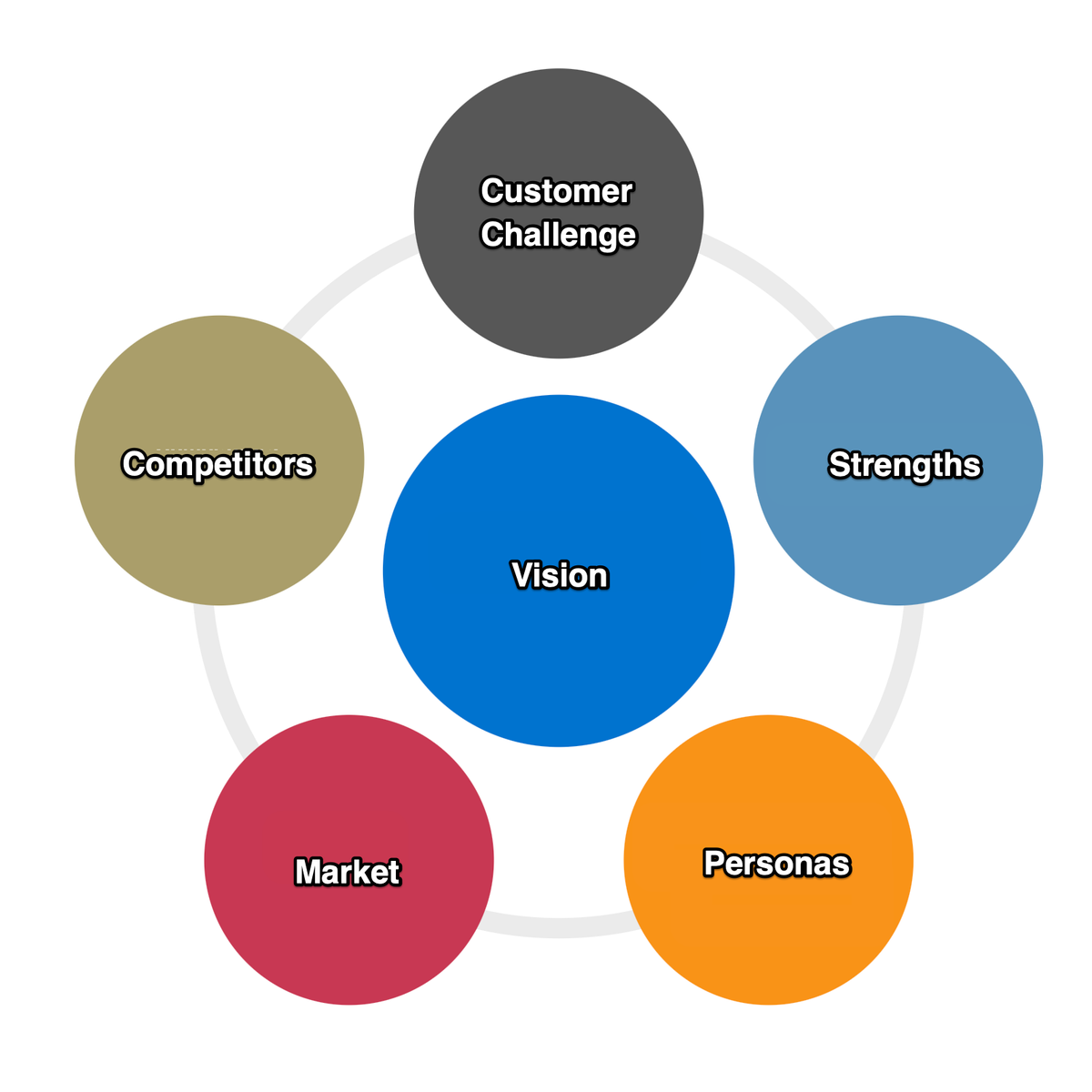




Related AI Lessons
⚡
⚡
⚡
⚡
Building WeRemember in Public — Day 0: Why Another Calendar App?
Dev.to · Sandro Hu
Google Announces Its Chromebook Successor: The Googlebook
Daring Fireball
Building Connect Freelance — A Trust-Focused Freelance Platform
Dev.to AI
How I rebuilt my SaaS landing page in 6 weeks: Essential lessons for developer founders
Dev.to · Zenovay
🎓
Tutor Explanation

 DeepCamp AI