
Excel Formatting and Security
Key Takeaways
Excel spreadsheet formatting and security techniques are demonstrated using Excel functions
Original Description
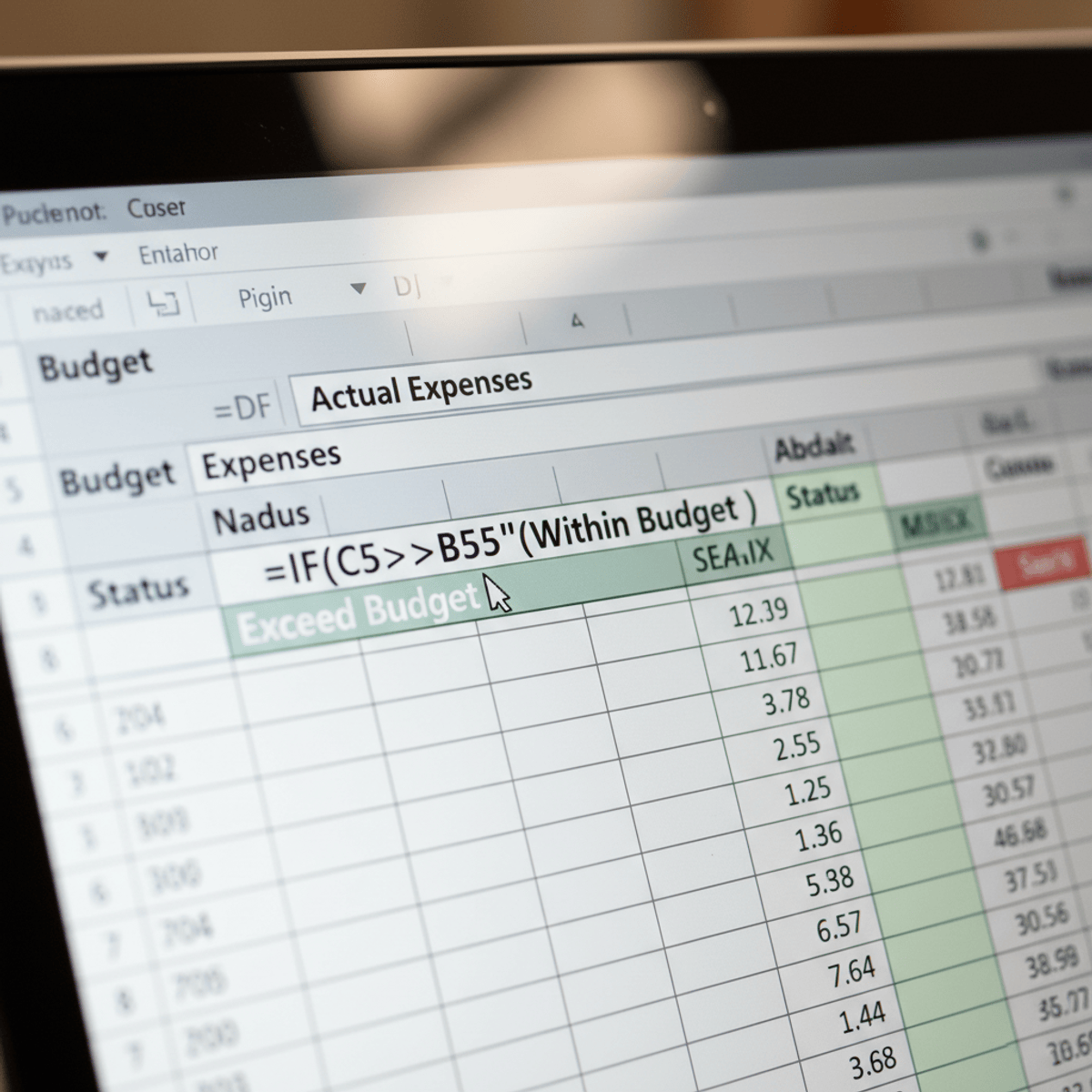
Excel Formatting and Security is designed for professionals who want to transform their spreadsheets from complex datasets into clear, secure, and collaborative tools. You will move beyond basic functions to master the art of strategic formatting and robust protection, two pillars of professional financial modeling and data management.
Through practical, hands-on activities, you will learn to apply industry-standard color-coding conventions that make your work instantly auditable and easy for colleagues to interpret. You will also implement worksheet protection to lock down critical formulas and prevent the kind of accidental errors that have led to real-world, multi-million-dollar losses.
You will explore case studies of major corporate spreadsheet failures to understand the critical importance of data integrity. By the end of this course, you will be equipped to build resilient, user-friendly spreadsheets that guide users, protect core logic, and can be shared with confidence, ensuring accuracy and fostering effective team collaboration.
AI explanation not available for this lesson yet
This lesson is still being prepared for the AI tutor. In the meantime, explore lessons that are ready.
Browse explainer-ready lessons →
More on: Excel & Spreadsheets
View skill →








Related Reads
📰
📰
📰
📰
Semantic Layer vs. Ontology: Why Your Data Warehouse Isn’t Enough
Medium · Machine Learning
Semantic Layer vs. Ontology: Why Your Data Warehouse Isn’t Enough
Medium · Data Science
Power BI for Beginners: Complete Learning Roadmap to Become a Data Analyst
Medium · AI
How People Counting Software Helps Businesses Understand Customer Traffic
Medium · AI
🎓
Tutor Explanation

 DeepCamp AI