Excel for Beginners: Introduction to Spreadsheets
Key Takeaways
Uses Excel on the Web to introduce spreadsheet concepts applicable to LibreOffice Calc and Google Sheets
Original Description
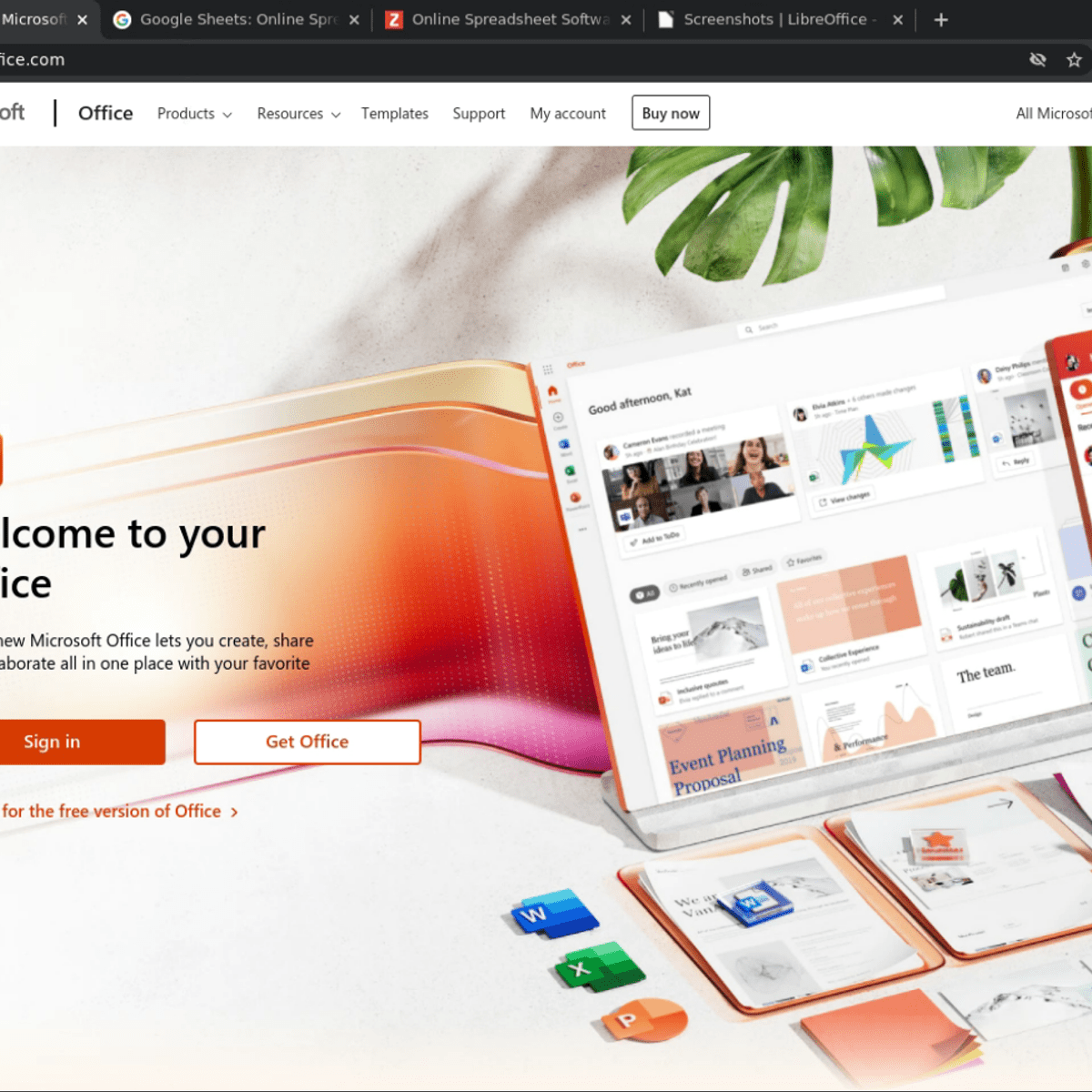
This 1-hour, project-based course is an introduction to spreadsheets. We’ll be using Excel on the Web in this project, which is the free spreadsheet program offered by Microsoft. However, all of the concepts that you will learn in this project will be applicable to other spreadsheet programs, such as LibreOffice Calc and Google Sheets.
We will cover the following concepts in a hands-on manner:
- Basic data entry, formatting and calculations
- Relative and absolute cell references
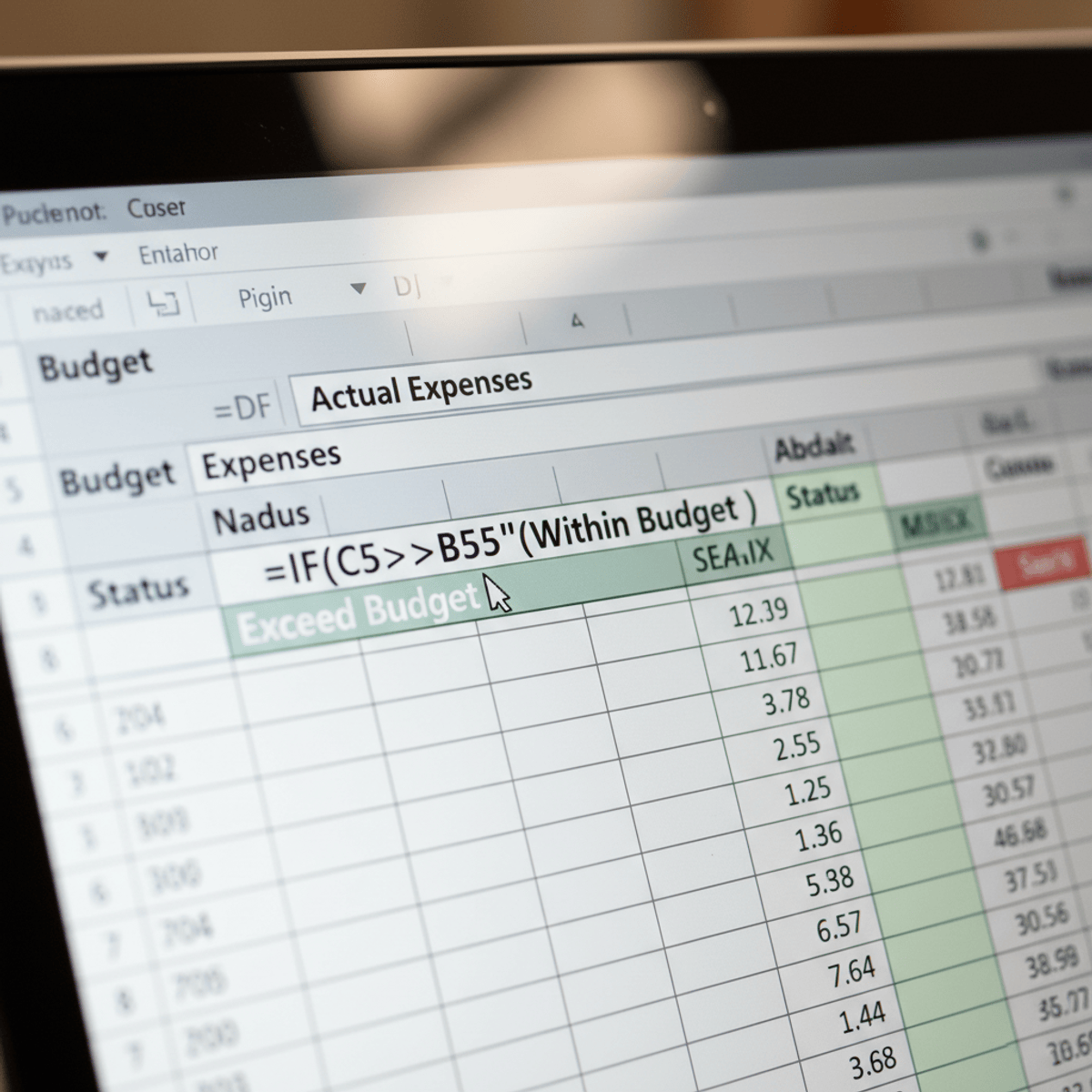
- Formulae and basic functions: sum, average, min, max
- Conditional formatting
Please Note: If you don't have a free Microsoft account, you will need to create one to be able to complete the content.
Watch on External: Coursera ↗
(saves to browser)
Sign in to unlock AI tutor explanation · ⚡30
More on: Excel & Spreadsheets
View skill →







Related Reads
📰
📰
📰
📰
Grouping and Aggregating Data Like a Pro
Medium · Machine Learning
Grouping and Aggregating Data Like a Pro
Medium · Programming
Classroom vs Online Data Science Training in Hyderabad | Coding MastersClassroom vs Online Data…
Medium · Data Science
SciDraw Alternative: Paper Banana for Scientific Figures
Medium · Data Science
🎓
Tutor Explanation

 DeepCamp AI