
Excel: Build Financial Budgets Fast
Key Takeaways
Builds financial budgets using Excel
Original Description
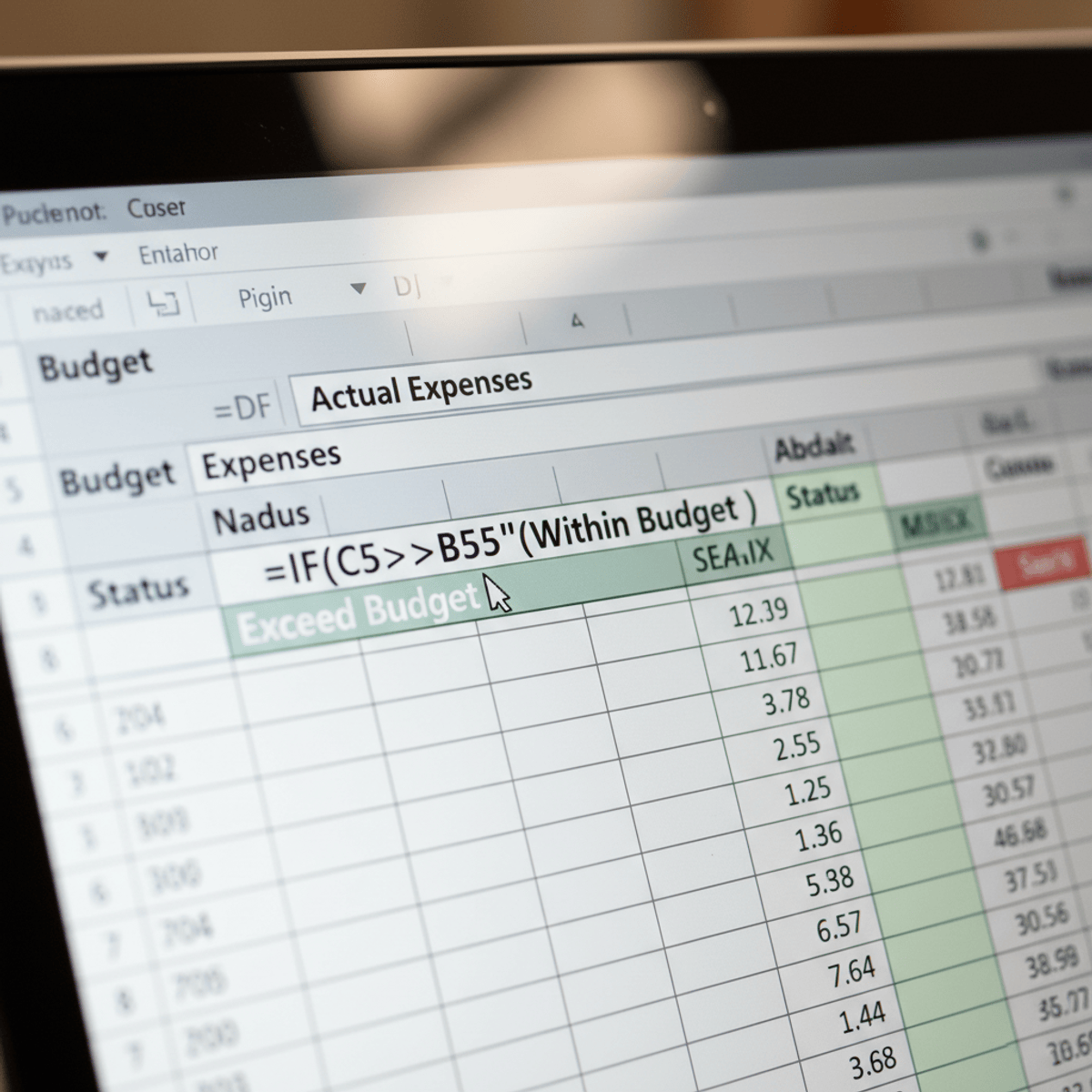
In this course, you will strengthen your data hygiene skills by organizing and standardizing financial data so it is clean, consistent, and ready for analysis. You will summarize and evaluate financial information using realistic scenarios, linking multiple data sources to build a simple and digestible summary page for your stakeholders. You will also automate key summary values so they update when raw data changes, and you will determine whether you are over or under budget by comparing actual spend against planned targets. Together, these techniques will help you answer practical financial questions without searching through multiple sheets or relying on manual calculations. By the end, you will be able to turn raw data into clear, dependable insights that support fast and confident decision-making.
Watch on External: Coursera ↗
(saves to browser)
Sign in to unlock AI tutor explanation · ⚡30
More on: Excel & Spreadsheets
View skill →







Related Reads
🎓
Tutor Explanation

 DeepCamp AI