Docker in 100 Seconds
Key Takeaways
Docker is a tool that packages software into containers, and this video covers the basics of Dockerfiles, images, and containers in 100 seconds, including how to create a Dockerfile, build an image, and run a container.
Full Transcript
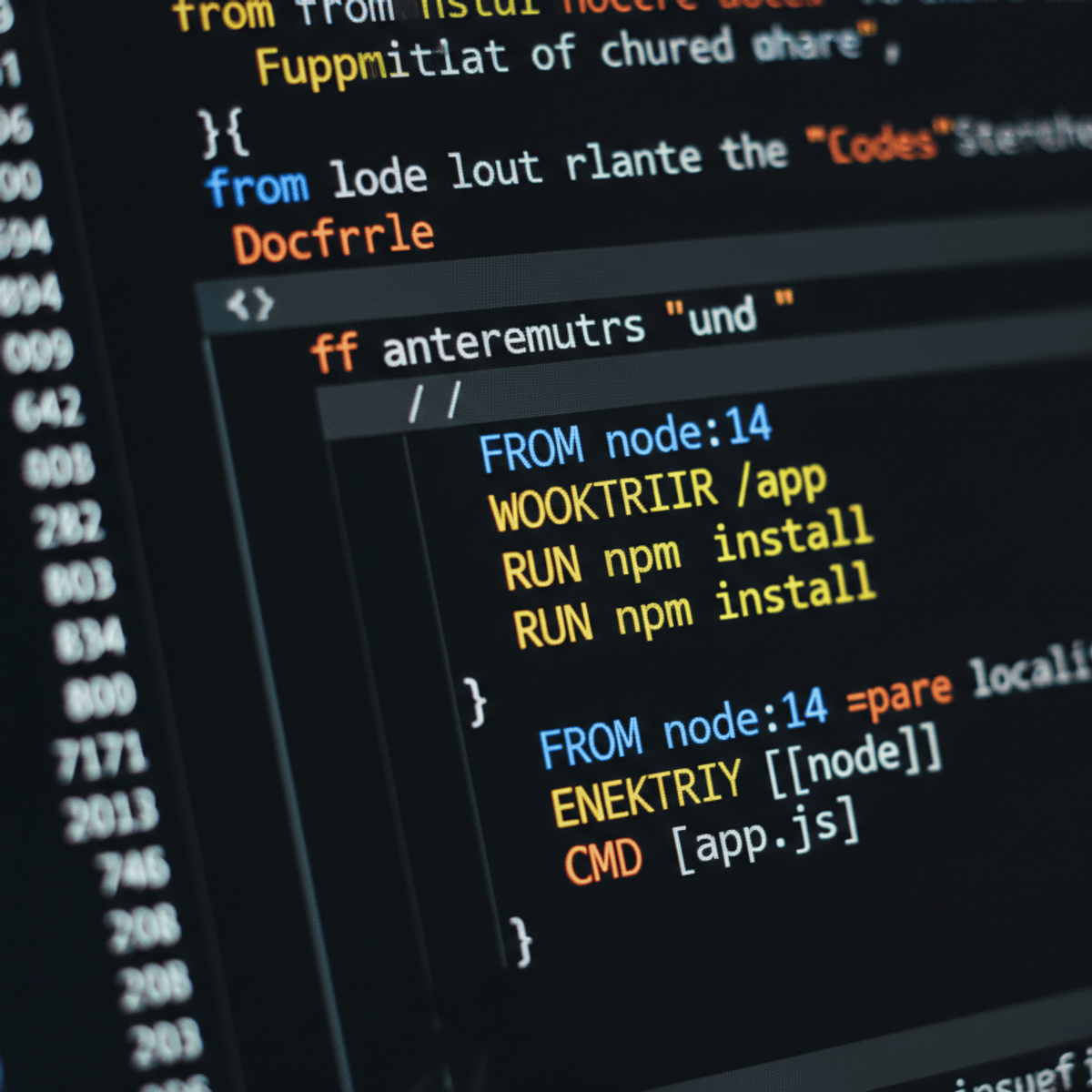
docker a tool that can package software into containers that run reliably in any environment but what is a container and why do you need one let's imagine you built an app with cobalt that runs on some weird flavor of linux you want to share this app with your friend but he has an entirely different system so the problem becomes how do we replicate the environment our software needs on any machine one way to package an app is with a virtual machine where the hardware is simulated then installed with the required os and dependencies this allows us to run multiple apps on the same infrastructure however because each vm is running its own operating system they tend to be bulky and slow now a docker container is conceptually very similar to a vm with one key difference instead of virtualizing hardware containers only virtualize the os or in other words all apps or containers are run by a single kernel and this makes almost everything faster and more efficient there are three fundamental elements in the universe of docker the docker file the image and the container the docker file is like dna it's just code that tells docker how to build an image which itself is a snapshot of your software along with all of its dependencies down to the operating system level the image is immutable and it can be used to spin up multiple containers which is your actual software running in the real world create a docker file and use from to start from an existing template like ubuntu this base image gets pulled down from the cloud and you can also upload your own images to a variety of different docker registries from there you might want to use run to run a terminal command that installs dependencies into your image you can set environment variables and do all kinds of other stuff then the last thing you'll do is set a default command that's executed when you start up a container and now we can create the image file by running the docker build command it goes through each step in our docker file to build the image layer by layer we can then bring this image to life as a container with the docker run command as your app demands more resources you can run it on multiple machines multiple clouds on-prem or wherever you want reliably this has been docker in 100 seconds if you enjoyed it make sure to like and subscribe and stay tuned for more docker content coming to this channel soon thanks for watching and i will see you in the next one
Original Description
🐳 Docker is a required skill for almost every developer in today's world. Learn the basics of Dockerfiles, images, and containers in 100 seconds. https://fireship.io
Docker Docs https://docs.docker.com/
#docker #dev #100SecondsOfCode
Install the quiz app 🤓
iOS https://itunes.apple.com/us/app/fireship/id1462592372?mt=8
Android https://play.google.com/store/apps/details?id=io.fireship.quizapp
Upgrade to Fireship PRO at https://fireship.io/pro
Use code lORhwXd2 for 25% off your first payment.
My VS Code Theme
- Atom One Dark
- vscode-icons
- Fira Code Font
Watch on YouTube ↗
(saves to browser)
Sign in to unlock AI tutor explanation · ⚡30
Playlist
Uploads from Fireship · Fireship · 0 of 60
← Previous
Next →
1
 2
2
 3
3
 4
4
 5
5
 6
6
 7
7
 8
8
 9
9
 10
10
 11
11
 12
12
 13
13
 14
14
 15
15
 16
16
 17
17
 18
18
 19
19
 20
20
 21
21
 22
22
 23
23
 24
24
 25
25
 26
26
 27
27
 28
28
 29
29
 30
30
 31
31
 32
32
 33
33
 34
34
 35
35
 36
36
 37
37
 38
38
 39
39
 40
40
 41
41
 42
42
 43
43
 44
44
 45
45
 46
46
 47
47
 48
48
 49
49
 50
50
 51
51
 52
52
 53
53
 54
54
 55
55
 56
56
 57
57
 58
58
 59
59
 60
60

Angular 4 Development and Production Environments with Firebase
Fireship
OAuth with Angular and Firebase Tutorial
Fireship
Anonymous Authentication with Angular and Firebase - Lazy Registration
Fireship
Angular Router Guards for Firebase Users
Fireship
Angular Firebase CRUD App with NoSQL Database Tutorial
Fireship
Upload Files from Angular to Firebase Storage
Fireship
How to Deploy an Angular App to Firebase Hosting
Fireship
Sharing Data between Components in Angular
Fireship
Loading Spinners for Asynchronous Firebase Data
Fireship
Angular 4 Transactional Email with Google Firebase Cloud Functions
Fireship
Firebase Database Rules Tutorial
Fireship
Autocomplete Search with Angular4 and Firebase
Fireship
Reddit Inspired Upvoting System with Angular and Firebase NoSQL
Fireship
Angular Drag-and-Drop File Uploads to Firebase Storage
Fireship
Text Translation with Firebase Cloud Functions onWrite and Angular 4
Fireship
Custom Usernames with Firebase Authentication
Fireship
Twitter-Inspired Follow Unfollow Feature with Firebase and Angular 4
Fireship
Simple Pagination with Firebase and Angular 4
Fireship
How to Connect Firebase Users to their Data - 3 Methods
Fireship
Add Toast Message Notifications to your Angular App
Fireship
Facebook-Inspired Reactions System with Angular and Firebase
Fireship
Learn NgModule in Angular with Examples
Fireship
Lazy Loading Components in Angular 4
Fireship
Stripe Checkout Payments with Angular and Firebase - Part 1
Fireship
Process Stripe Payments with Firebase Cloud Functions - Part 2
Fireship
Selling Digital Content in Angular with Stripe Payments - Part 3
Fireship
Angular 4 Full Text Search with Algolia - Part 1
Fireship
Algolia with Firebase Cloud Functions - Part 2
Fireship
Firebase Phone Authentication in Angular 4
Fireship
Top 7 RxJS Concepts for Angular Developers
Fireship
Learn Angular Animations with 5 Examples
Fireship
Advanced Firebase Data Filtering (Multi-Property)
Fireship
Realtime Maps with Mapbox + Firebase + Angular
Fireship
Angular Reactive Forms with Firebase Database Backend
Fireship
Send Push Notifications in Angular with Firebase Cloud Messaging
Fireship
Top 7 Ways to Debug Angular 4 Apps
Fireship
Infinite Scroll with Angular and Firebase
Fireship
Use TypeScript with Firebase Cloud Functions
Fireship
Realtime Graphs and Charts with Plotly and Firebase
Fireship
Role-Based User Permissions in Firebase
Fireship
User Presence System in Realtime - Online, Offline, Away
Fireship
Location-based Queries with GeoFire and Angular Google Maps
Fireship
Angular ngrx Redux Quick Start Tutorial
Fireship
Angular Ngrx Effects with Firebase Database
Fireship
Progressive Web Apps with Angular
Fireship
Angular Ngrx with Firebase Google OAuth User Authentication
Fireship
RxJS Quick Start with Practical Examples
Fireship
Send SMS Text Messages with Twilio and Firebase
Fireship
Firebase Database Performance Profiling
Fireship
Native Desktop Apps with Angular and Electron
Fireship
Subscription Payments with Stripe, Angular, and Firebase
Fireship
Firestore with AngularFire5 Quick Start Tutorial
Fireship
Angular HTTP Client Quick Start Tutorial
Fireship
Google Sign-In with Firestore Custom User Data
Fireship
Star Review System from Scratch with Firestore + Angular
Fireship
Angular Chatbot with Dialogflow (API.ai)
Fireship
Learn @ngrx/entity and Feature Modules
Fireship
Infinite Scroll Pagination with Firestore
Fireship
Faster Firestore via Data Aggregation
Fireship
Contentful - CMS for Angular Progressive Web Apps
Fireship
More on: Docker & Containers
View skill →




Related Reads
📰
📰
📰
📰
Kubernetes: Do You Actually Need It?
Medium · DevOps
Skip Log Files, Send Script Output Straight to journald
Medium · DevOps
Before You Trust an MCP Server, Read Back the Host’s Capabilities
Medium · Programming
Installing Apache Kafka 4.2 on Ubuntu (WSL2): A Complete KRaft Step-by-Step Guide
Dev.to · Sanjay Ghosh
🎓
Tutor Explanation

 DeepCamp AI