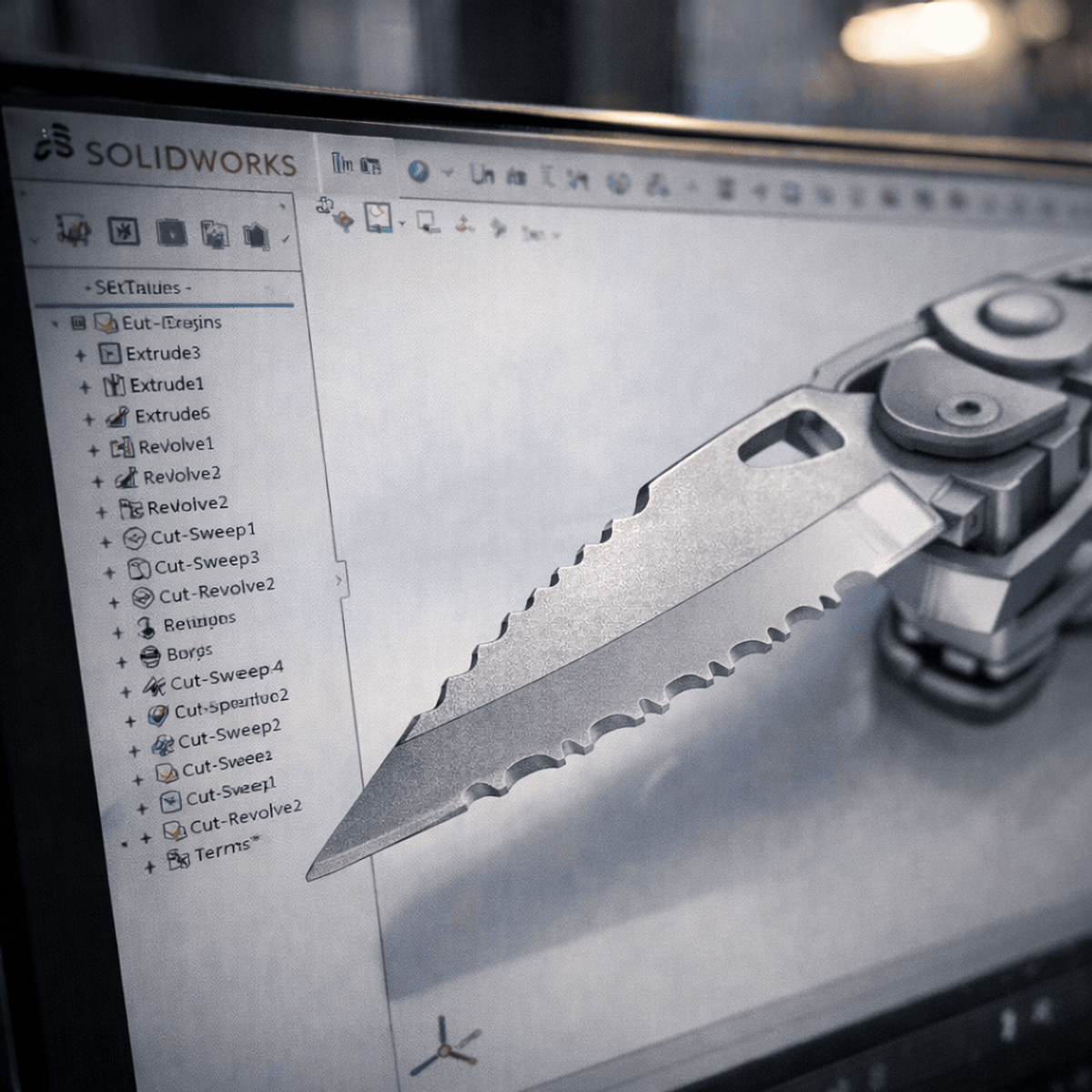
Design & Assemble a Multi-Utility Tool in SolidWorks
Key Takeaways
Models and assembles a multi-utility tool using SolidWorks
Original Description
By the end of this course, learners will be able to model, refine, and assemble a complete multi-utility tool using SolidWorks part and assembly environments. Learners will apply parametric modeling principles, construct functional mechanical components, and validate assemblies through proper mating and motion control.
This hands-on, project-based course guides learners through the end-to-end design workflow of a real-world multi-utility tool, covering washers, supports, lock pins, blades, can openers, pliers, and final assembly. Rather than teaching isolated commands, the course emphasizes design intent, feature planning, sketch discipline, and efficient use of the SolidWorks design tree. Learners will gain practical experience using extrusions, revolved features, patterns, shelling, swept cuts, and advanced assembly mates.
What makes this course unique is its case-study-driven approach: every concept is taught in context, showing how professional CAD designers think, edit, and optimize models for change. This course is ideal for students, mechanical design beginners, and SolidWorks users who want to transition from basic tool knowledge to confident, industry-ready modeling skills.
Watch on External: Coursera ↗
(saves to browser)
Sign in to unlock AI tutor explanation · ⚡30
More on: AI Workflow Automation
View skill →









Related Reads
📰
📰
📰
📰
The Best AI Course Generator in 2026? I Tested 7 to Find Out.
Dev.to AI
Automate Spotify and YouTube Playlists - Chapter 2: Setting Up Spotify
Dev.to · Tawanda Nyahuye
Use a model route manifest before Dify, Cursor, and Node.js share Vector Engine
Dev.to AI
What 90 Days of Comments on AI Side Panels Taught Me About Distribution
Dev.to · AI Buddy
🎓
Tutor Explanation

 DeepCamp AI