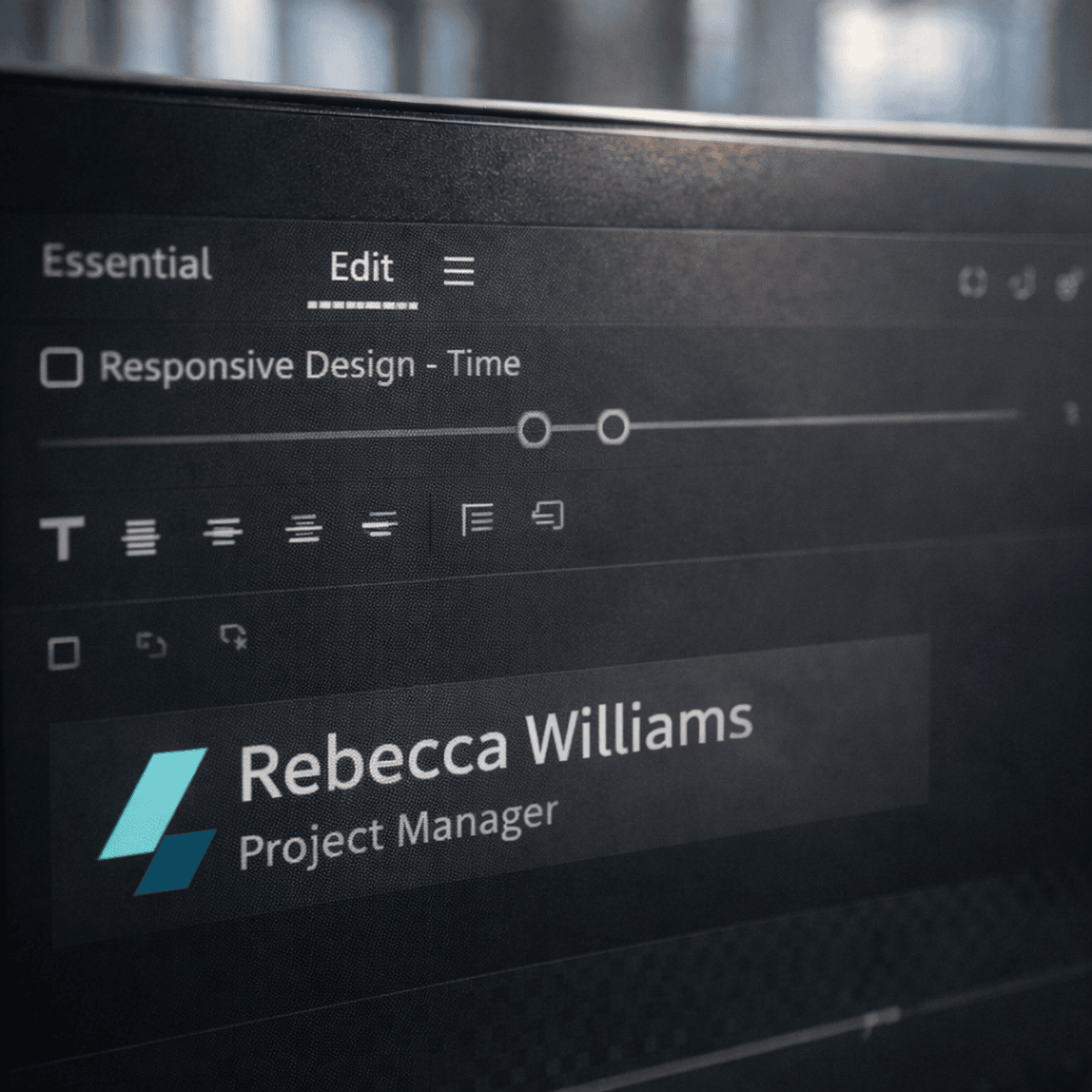
Create Professional Motion Graphics in Premiere Pro
Learners will be able to create, animate, and manage professional motion graphics using the Essential Graphics panel in Adobe Premiere Pro, apply responsive design and animation principles, and design reusable Motion Graphics Templates (MOGrts) for real-world video projects.
This course provides a practical, step-by-step approach to mastering Essential Graphics in Premiere Pro, starting from core text and shape tools and progressing to advanced animations, cinematic titles, and professional lower thirds. Learners will gain hands-on experience with roll animations, pop-up effects, responsive design for layout and time, and the full MOGrt workflow—from creation and export to installation and reuse across projects.
What makes this course unique is its production-focused workflow: every concept is demonstrated through real editing scenarios used in professional video production. Learners will also explore preset MOGrts to understand industry-standard design structures and customization techniques. By the end of the course, learners will be able to efficiently produce consistent, high-quality motion graphics directly inside Premiere Pro, reduce reliance on external tools, and deliver visually engaging content for marketing, social media, and broadcast projects.
Watch on Coursera ↗
(saves to browser)
Sign in to unlock AI tutor explanation · ⚡30
Related AI Lessons
⚡
⚡
⚡
⚡
PasteAI: One MCP Tool Call, One Shareable Link
Dev.to · Tim Little
Still Think Using AI As A Creative ‘Assistant’ Is A Good Idea?
Medium · AI
The Best AI Tools for Small Business in 2026: An Independent Guide
Medium · AI
I Used AI for 7 Days Straight — Here’s How Much Time It Saved Me
Medium · AI
🎓
Tutor Explanation

 DeepCamp AI