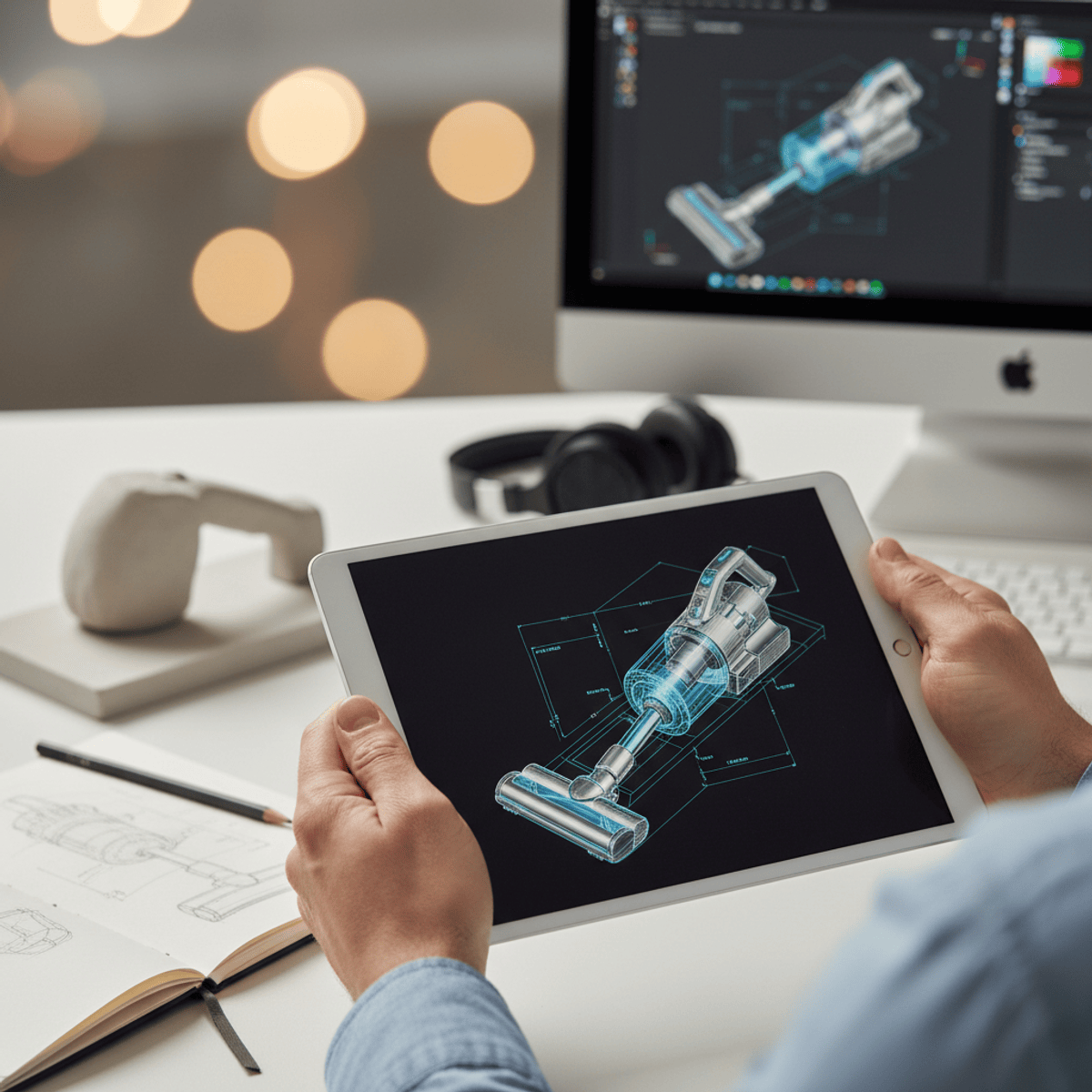
Create Professional 3D Product Models
Key Takeaways
Creates professional 3D product models using Maya
Original Description
By the end of this course, learners will be able to model professional-quality products, create clean UV layouts, apply realistic textures and materials, and render polished product visuals using Maya.
MAYA Practical – Product Modeling is a hands-on course designed to guide learners through the complete 3D product creation workflow. Starting from reference-based modeling, learners progressively build accurate geometry using industry-standard subdivision techniques. The course then transitions into UV mapping and unwrapping, ensuring models are fully prepared for texturing without distortion.
Learners gain practical experience creating textures in Photoshop, applying materials, and developing realistic shaders. Studio lighting techniques and test rendering workflows are introduced to evaluate surface quality and visual balance. The course concludes with final shader tuning, texture refinement, and high-quality rendering for professional presentation.
What makes this course unique is its end-to-end, project-based approach, where every step builds toward a complete, production-ready product model. Ideal for beginners and aspiring 3D artists, this course emphasizes real-world workflows used in product visualization, portfolio development, and commercial rendering.
Watch on External: Coursera ↗
(saves to browser)
Sign in to unlock AI tutor explanation · ⚡30
Related Reads
📰
📰
📰
📰
Building a WhatsApp AI CRM in Google Sheets with Apps Script, Twilio & GPT-4
Dev.to · Hayrullah Kar
I built an open-source internship tracker that polls 3,593 company career feeds
Dev.to AI
Meta Just Realized Owning GPUs Is Not a Strategy
Medium · Programming
Daily Crypto Update: VishvaAlgoAI Finds 9 Long, 5 Short and 6 Neutral Verdicts
Medium · AI
🎓
Tutor Explanation

 DeepCamp AI