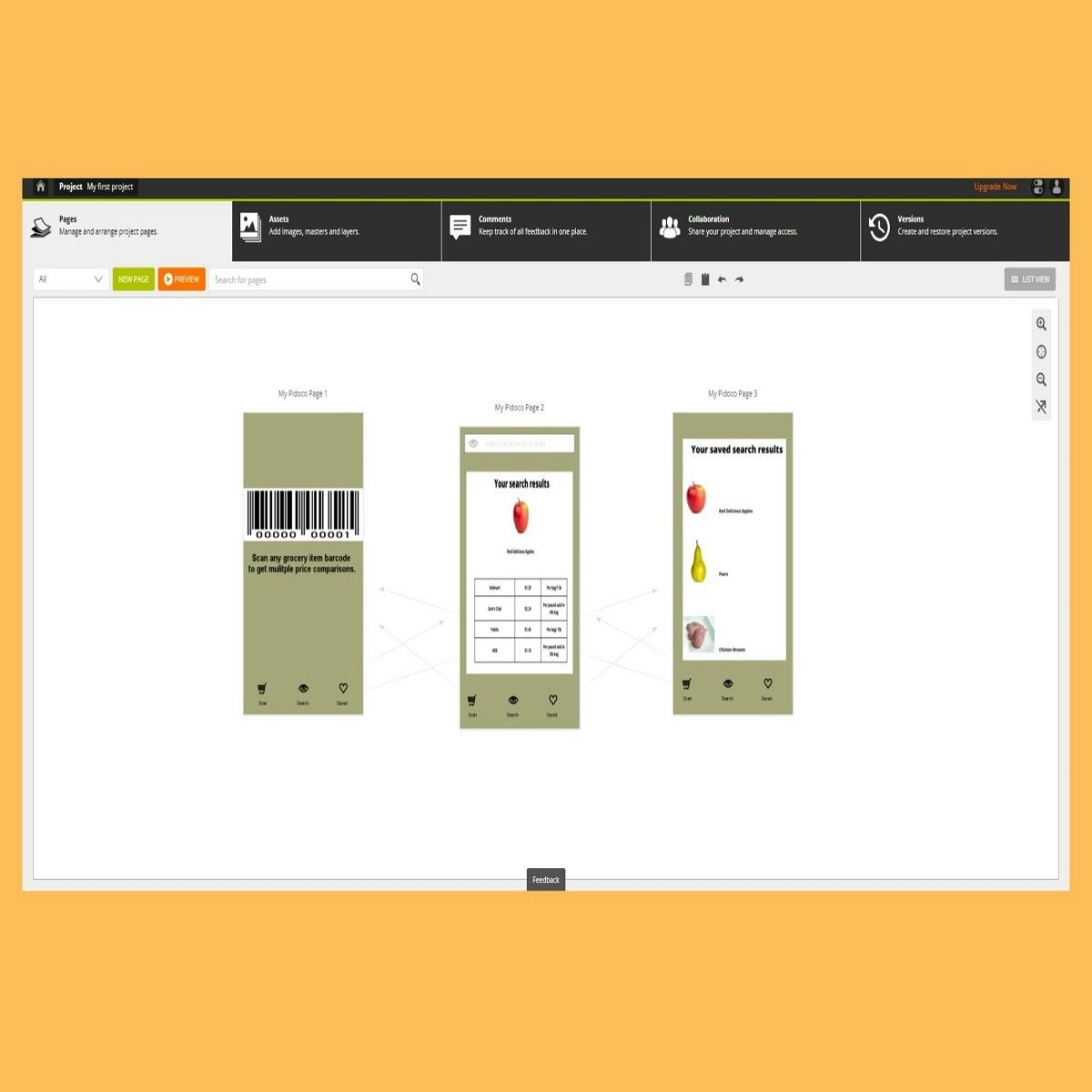
Create Interactive Prototypes with Pidoco
Key Takeaways
Creates interactive prototypes with Pidoco for UI/UX design
Original Description
Creating wireframes and interactive user design prototypes is an important step in your planning process. Pidoco is a web based application that can help you with this process. Exploring the possibilities of apps like this help you to find the one that works best for you or your organization. Pidoco allows for interactivity so that you can simulate your application. You are able to share prototypes, work with comments and comment history throughout your development. Pidoco says it is easy to use and learn, you can explore the application in this project and decide for yourself. In this project you will create an interactive prototype with Pidoco.
Watch on External: Coursera ↗
(saves to browser)
Sign in to unlock AI tutor explanation · ⚡30
More on: UX Research
View skill →





![Brutally Honest UI/UX Reviews [LIVE]](https://i.ytimg.com/vi/-Rr2J16orfA/mqdefault.jpg)

![Refactoring YOUR Designs [LIVE]](https://i.ytimg.com/vi/NG_NgSDCOi8/mqdefault.jpg)
Related AI Lessons
⚡
⚡
⚡
⚡
Commuters don’t distrust the city. They distrust the app.
Medium · UX Design
A Young Designer’s Question: What Are Companies Actually Hiring For?
Medium · UX Design
Why Clear Calls-to-Action Are Essential for Business Websites
Medium · UX Design
AI in Design: The Skill That Gets Scarce When Making Gets Cheap.
Medium · AI
🎓
Tutor Explanation

 DeepCamp AI