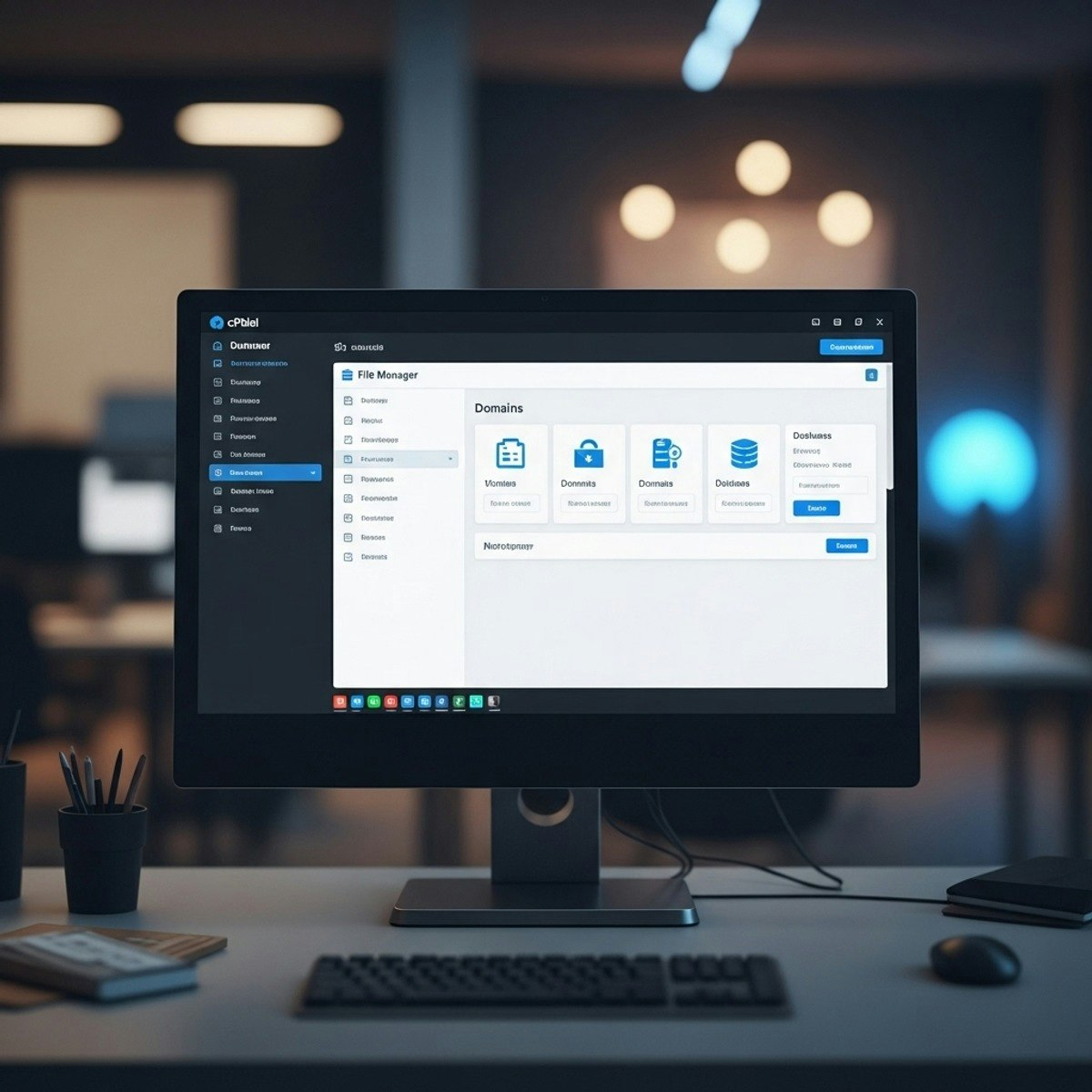
cPanel Basics: Configure, Manage & Optimize
Key Takeaways
Configures, manages, and optimizes cPanel for web hosting and domain management
Original Description
Learners will be able to identify core features of cPanel, configure domain and hosting essentials, apply customization settings, and manage files and media effectively. This beginner-friendly course provides a step-by-step introduction to the cPanel environment, guiding participants through domain registration, hosting setup, and dashboard navigation before advancing to customization, user management, and file handling.
By completing this course, learners will gain practical skills to confidently operate cPanel, ensuring smooth website deployment and maintenance without relying heavily on technical support. Each module blends theory with demonstrations, enabling learners to apply new knowledge directly to real-world hosting tasks.
What makes this course unique is its structured progression from fundamentals to advanced tools, along with lesson-specific learning objectives built on Bloom’s Taxonomy. Learners not only explore “how” to use cPanel but also develop the ability to analyze hosting needs, apply best practices, and optimize their workflow. Whether aspiring web administrators, entrepreneurs, or students, participants leave the course with job-ready skills and the confidence to manage their hosting environment independently.
Watch on External: Coursera ↗
(saves to browser)
Sign in to unlock AI tutor explanation · ⚡30
Related Reads
📰
📰
📰
📰
AI Tools that Actually Pay You Back: A Developer's Guide to Monetizing AI
Dev.to AI
How to Summarize PDFs Programmatically in 2026 (+ a Free No-Code Option)
Dev.to · Ai tools overview
The new ChatGPT macOS app redesign has made basic navigation so much worse
Reddit r/artificial
Three Token-2022 Mints in One Week: Fees, Yield, and Soulbound
Dev.to · atharv shukla
🎓
Tutor Explanation

 DeepCamp AI