Build an AI Personal Assistant with a Vector Database
Key Takeaways
Builds an AI personal assistant with a vector database
Original Description
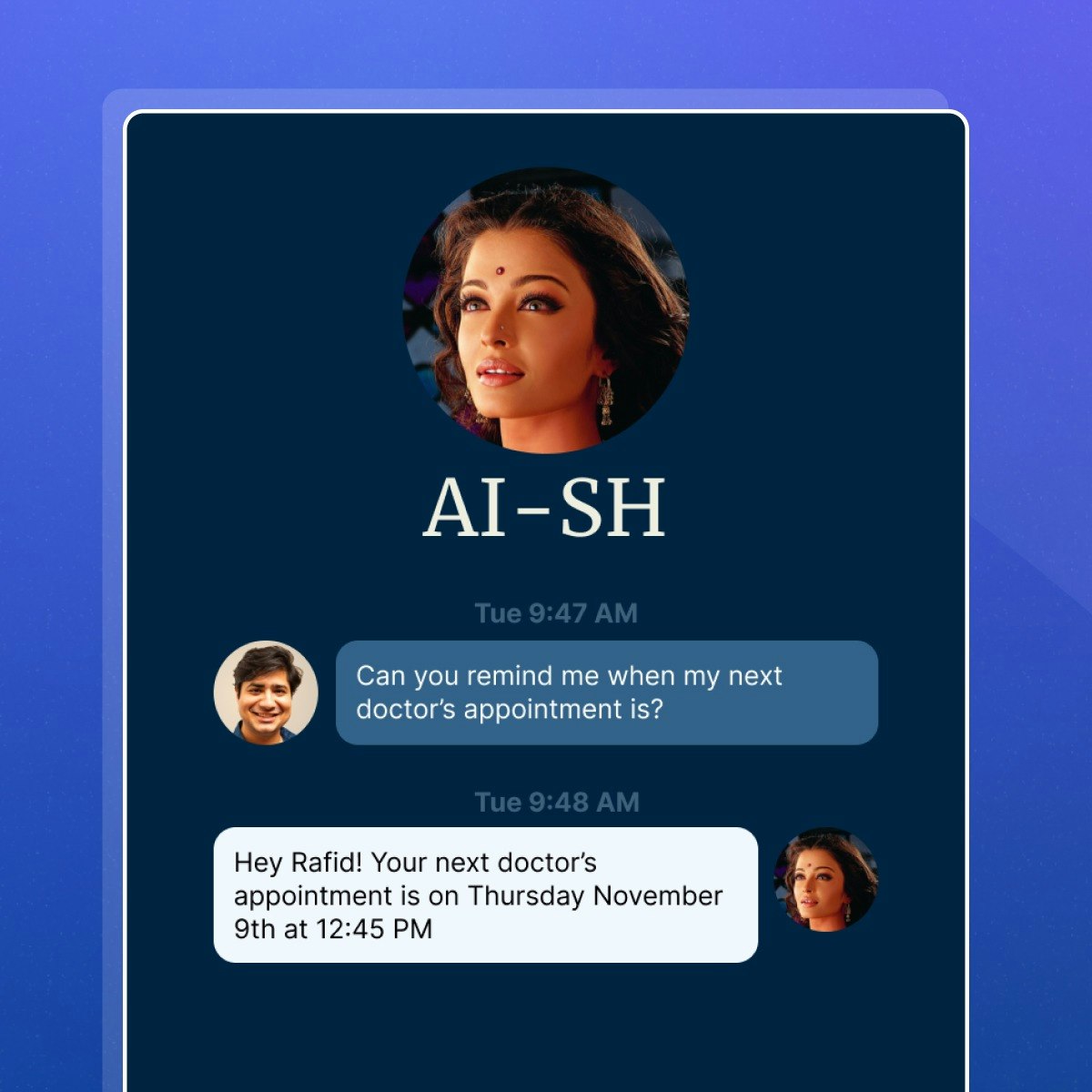
In this project, you’ll create a personalized AI assistant called "AI-SH" to help users (or you!) stay organized by tracking personal information such as appointments and reminders.
Using HTML, CSS, JavaScript, and a vector database, you’ll build a chatbot that can respond to your questions based on custom data you provide in a text file.
Here’s what you’ll do:
✨ Build from scratch: Start with minimal code to develop the AI assistant.
💬 Create a chatbot: Design an interface where you can ask questions and get responses based on your data.
🗂️ Use a vector database: Store and retrieve personalized data using Supabase.
📝 Capture mode: Add a feature to input data directly, allowing you to update information on the go.
🎨 Personalize it: Customize the assistant's tone, style, and even add voice interaction features.
🎤 Voice integration: Make your assistant interactive by speaking to it and having it respond.
Through this project, you’ll improve your web development skills, learn to integrate databases, and work with natural language processing. You’ll also explore voice interaction and customization features, ultimately creating a functional AI assistant to assist with everyday tasks.
Watch on External: Coursera ↗
(saves to browser)
Sign in to unlock AI tutor explanation · ⚡30
Related Reads
📰
📰
📰
📰
Inside the Wayfair Frontend SDE-2 Interview: A Complete Breakdown
Medium · Programming
I Spent Two Years Maintaining a React SPA. HTMX Rebuilt It in a Week
Medium · Programming
The 5 Levels of Front End Engineering (And Where Most Developers Get Stuck)
Medium · Programming
Browser-Based PDF Editing with Vue 3 and pdf-lib
Dev.to · sunshey
🎓
Tutor Explanation

 DeepCamp AI