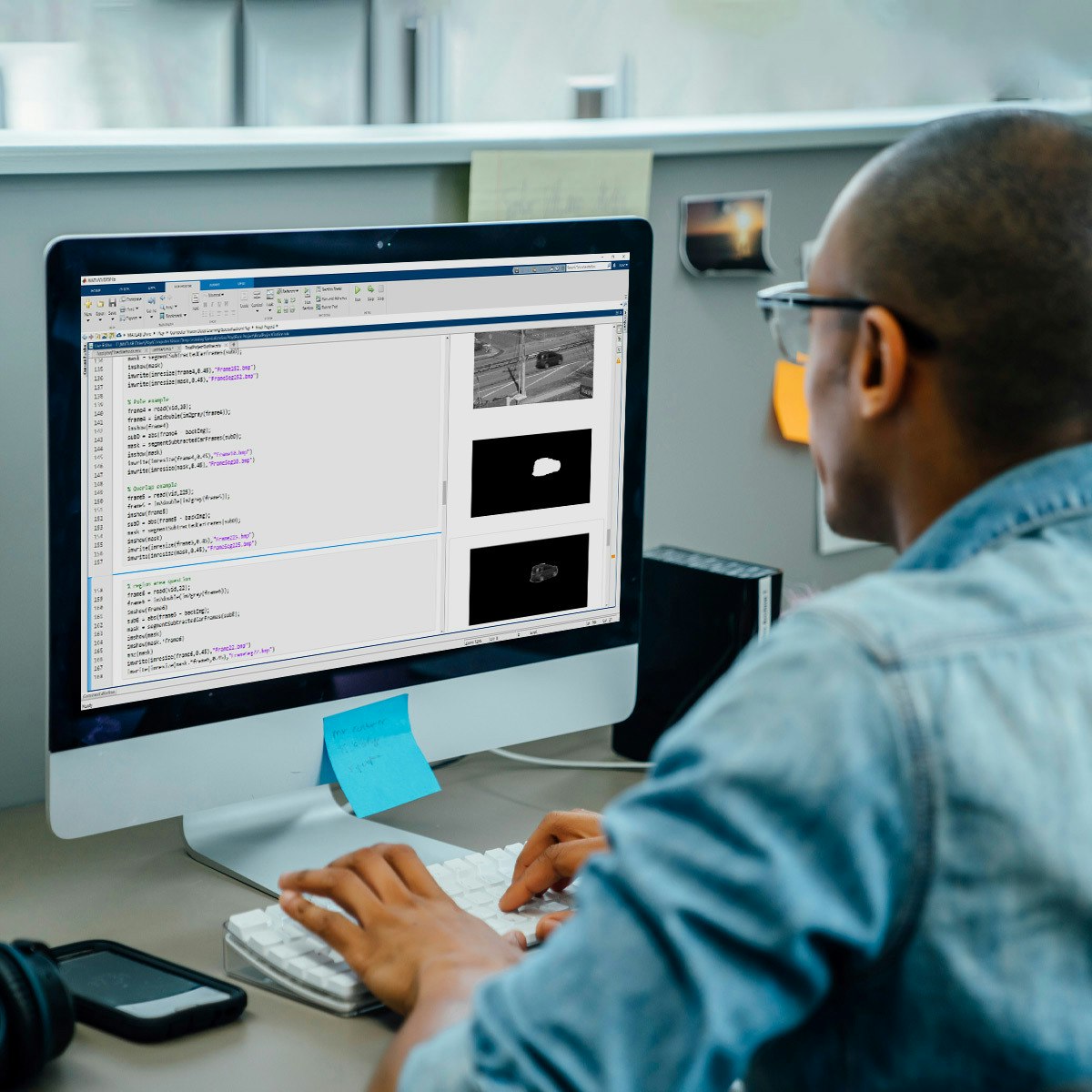
Automating Image Processing
Key Takeaways
Automates image processing using computer vision techniques to inspect and analyze large image datasets
Original Description
In this course, you will build on the skills acquired in Image Segmentation, Filtering, and Region Analysis to explore large sets of images and video files. It’s impractical to manually inspect results in large data sets. Automating image processing allows you to do your work more efficiently.
At the end of this course, you’ll apply all the skills learned in this specialization to a final project. You’ll take the role of an engineer being asked to monitor traffic on a busy road. You’ll detect cars from a noisy video and analyze the results.
You will use MATLAB throughout this course. MATLAB is the go-to choice for millions of people working in engineering and science, and provides the capabilities you need to accomplish your image processing tasks. You will be provided with free access to MATLAB for the duration of the course to complete your work.
To be successful in this course you should have a background in basic math and some exposure to MATLAB. If you want to familiarize yourself with MATLAB check out the free, two-hour MATLAB Onramp. Experience with image processing is not required.
AI explanation not available for this lesson yet
This lesson is still being prepared for the AI tutor. In the meantime, explore lessons that are ready.
Browse explainer-ready lessons →
Related Reads
📰
📰
📰
📰
3D-Object Perception Transformer — CVPR 2026 Highlight — OpenCV Live! 222
OpenCV Blog
What Does CLIP Learn for Regional Geolocalization? Probing Visual Cues and Scene Configuration After Adaptation
ArXiv cs.AI
DeepSeek's First Vision Model Is Here — V4 Flash Vision Exp Costs $0.00017 Per Image (vs. Opus-4.8 at $50/M)
Dev.to AI
Understanding CNNs: The Moment AI Started Making Sense
Medium · Deep Learning
🎓
Tutor Explanation

 DeepCamp AI