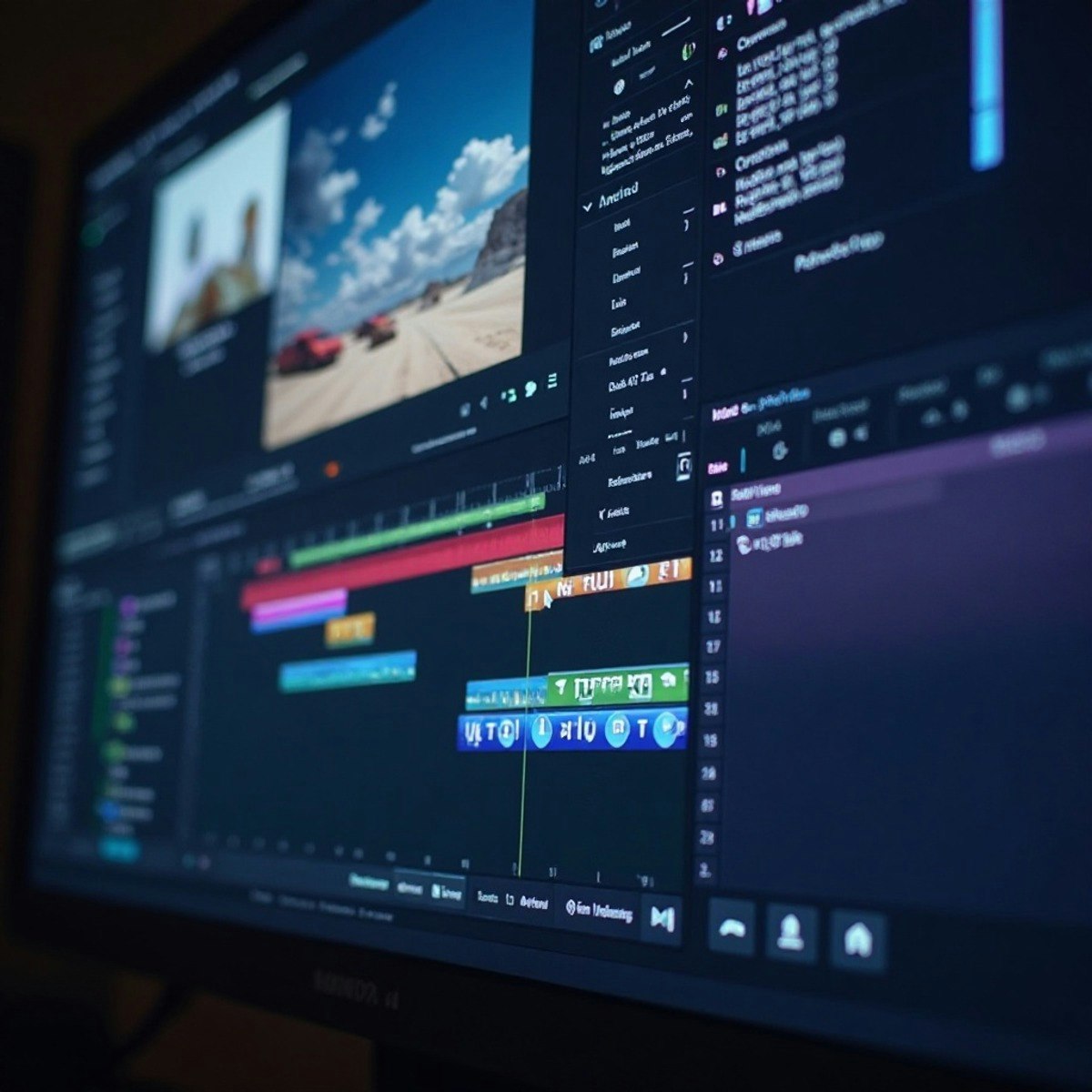
Apply New Features in Premiere Pro CC
Key Takeaways
Leverages advanced features in Premiere Pro CC for video editing, color grading, and audio optimization
Original Description
By the end of this course, learners will apply advanced editing workflows, analyze and enhance video visuals using professional color grading tools, optimize audio using intelligent sound features, and produce polished, accessible video content using captions and finishing techniques in Premiere Pro CC.
This course empowers learners to confidently work with the latest features of Premiere Pro CC through a structured, hands-on approach. Starting with interface navigation, transitions, and graphics, learners progressively master color correction, cinematic grading, audio enhancement, transcription, and captioning workflows. Each module builds practical skills that can be immediately applied to real-world video projects.
Learners benefit by gaining job-ready expertise in modern post-production techniques that improve efficiency, creativity, and output quality. The course uniquely combines visual storytelling, technical accuracy, and workflow optimization—bridging the gap between basic editing and professional production standards.
What sets this course apart is its feature-focused, workflow-driven design, reinforced with practice quizzes and graded assessments aligned to real editing scenarios. Whether creating content for marketing, education, or media platforms, learners finish the course with the confidence to deliver professional-quality videos efficiently and creatively.
Watch on External: Coursera ↗
(saves to browser)
Sign in to unlock AI tutor explanation · ⚡30
More on: AI Video Generation
View skill →




Related Reads
🎓
Tutor Explanation

 DeepCamp AI