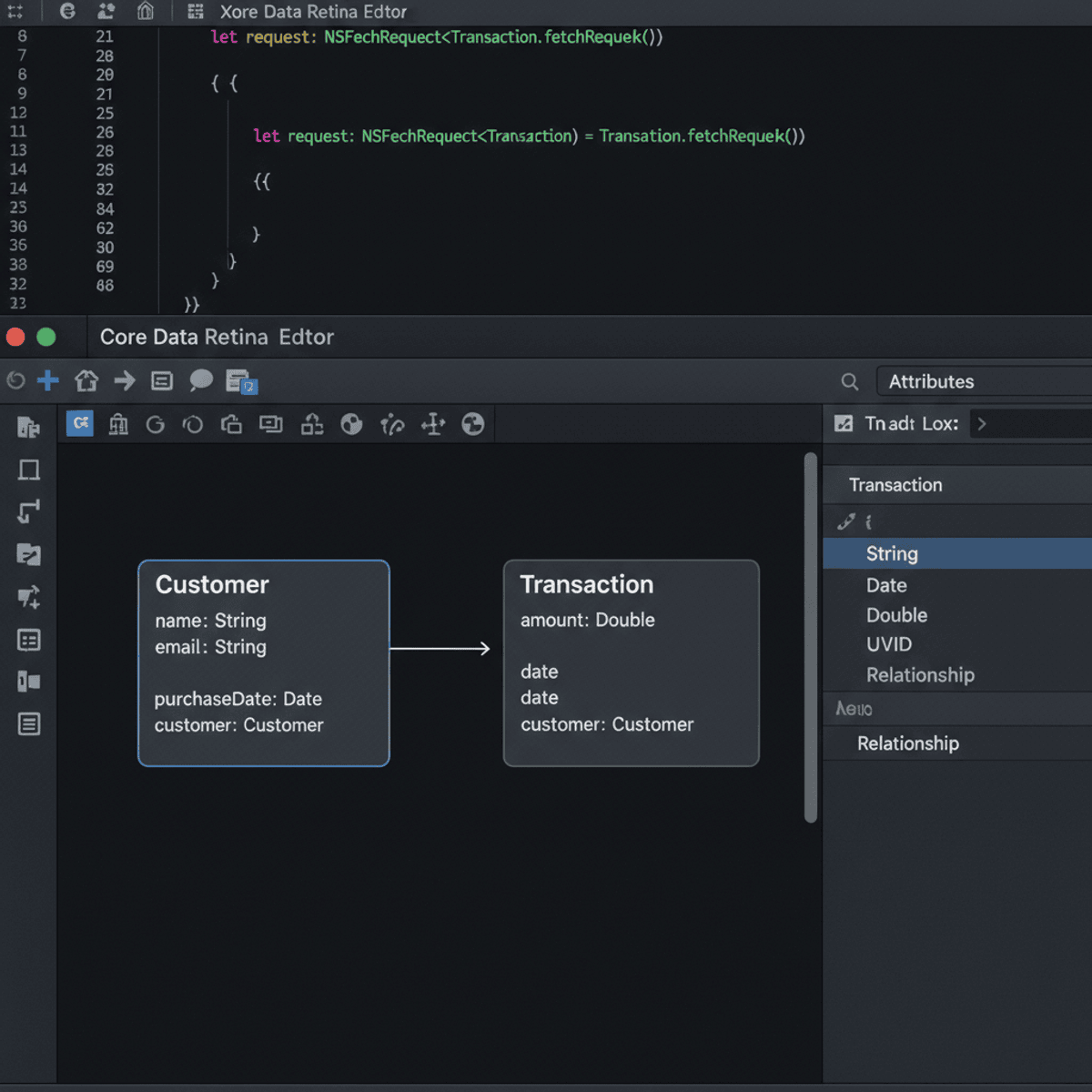
Apply Intermediate iOS Development with Swift Core Features
Key Takeaways
Applies Intermediate iOS Development with Swift Core Features
Original Description
By the end of this course, learners will be able to design multi-screen iOS applications, implement secure data flow between view controllers, persist and retrieve structured data using Core Data, build adaptive user interfaces with Auto Layout, and apply Swift programming logic to manage application behavior and user interaction.
This intermediate-level course helps learners move beyond basic iOS concepts and develop production-ready skills using Swift and core iOS frameworks. Learners will gain hands-on experience with view controller lifecycles, text field validation, Core Data persistence, table views, collection views, multimedia integration, and web services. The course also strengthens foundational Swift concepts such as conditional logic, functions, and data structures in real application contexts.
What makes this course unique is its practical, end-to-end focus on how iOS components work together in real apps rather than in isolation. Each module connects UI design, data handling, and application logic to reflect real-world development workflows. By completing this course, learners will be better prepared to build scalable iOS applications, contribute confidently to professional iOS projects, and progress toward advanced iOS development roles.
Watch on External: Coursera ↗
(saves to browser)
Sign in to unlock AI tutor explanation · ⚡30
Related Reads
🎓
Tutor Explanation

 DeepCamp AI