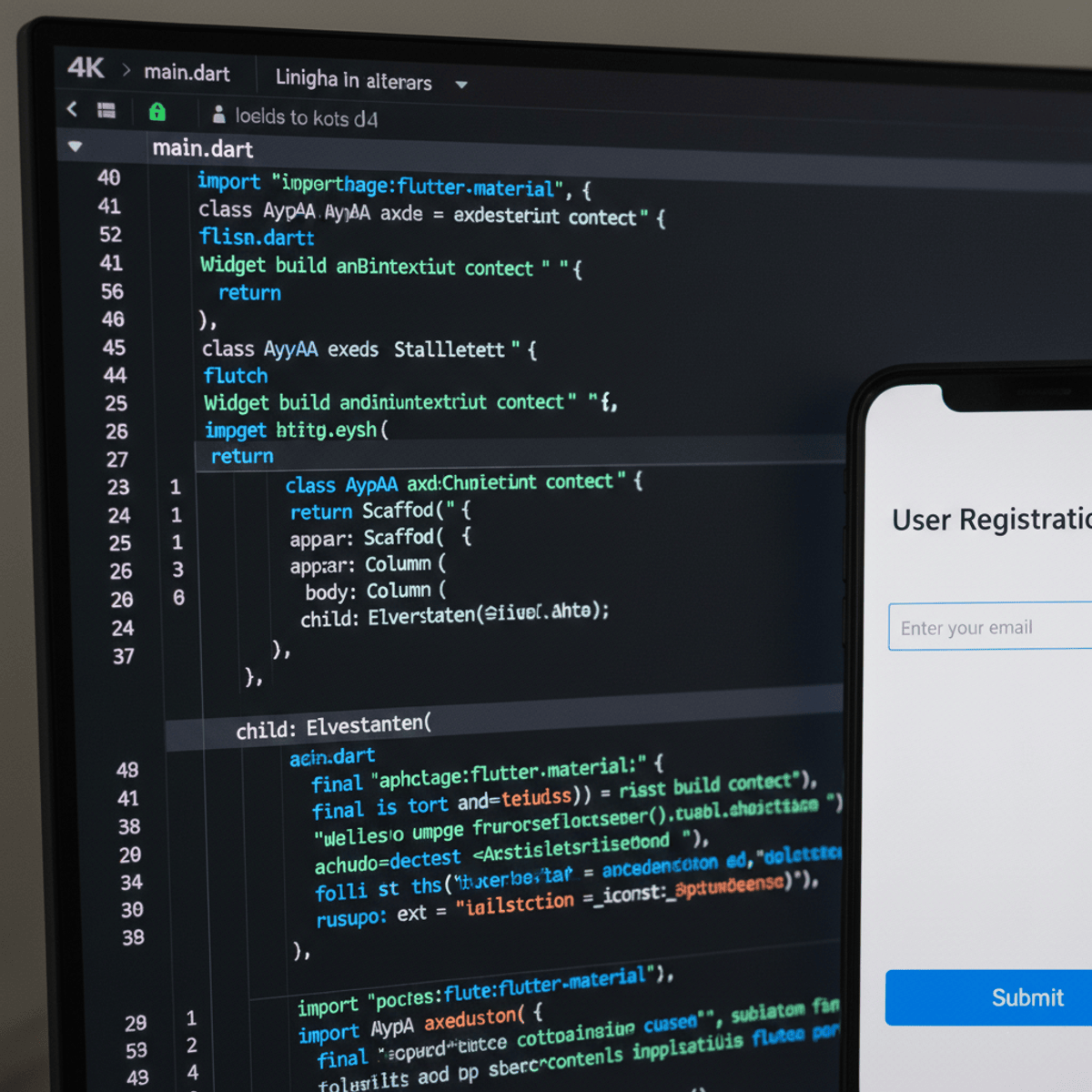
Apply Flutter Fundamentals to Build Interactive Apps
Key Takeaways
Builds interactive, cross-platform user interfaces using Flutter and industry-standard Flutter practices
Original Description
By the end of this course, learners will identify core Flutter concepts, apply essential widgets, and build interactive, cross-platform user interfaces using industry-standard Flutter practices. They will construct responsive layouts, manage widget state, handle asynchronous data, and implement user input and interaction patterns confidently.
This beginner-friendly course is designed to help learners move from zero Flutter knowledge to building real, functional UI components. Through hands-on examples and clearly structured lessons, learners gain practical experience with layouts, buttons, lists, dropdowns, forms, sliders, steppers, and drag-and-drop interactions. Each concept is demonstrated with focused examples that make complex ideas easy to understand and apply.
What makes this course unique is its progressive, example-driven approach—each module builds logically on the previous one, ensuring steady skill development without overwhelming beginners. The course emphasizes practical UI development, not just theory, making it ideal for students, aspiring app developers, and professionals transitioning into Flutter.
By completing this course, learners will be equipped with the foundational Flutter skills needed to confidently create interactive mobile applications and continue advancing toward full-scale Flutter development.
Watch on External: Coursera ↗
(saves to browser)
Sign in to unlock AI tutor explanation · ⚡30
Related Reads
🎓
Tutor Explanation

 DeepCamp AI