
Advanced Excel Data Processing and VBA Automation
Skills:
Excel & Spreadsheets90%
Key Takeaways
Advanced Excel techniques using Power Query, PivotTables, and VBA automation
Original Description
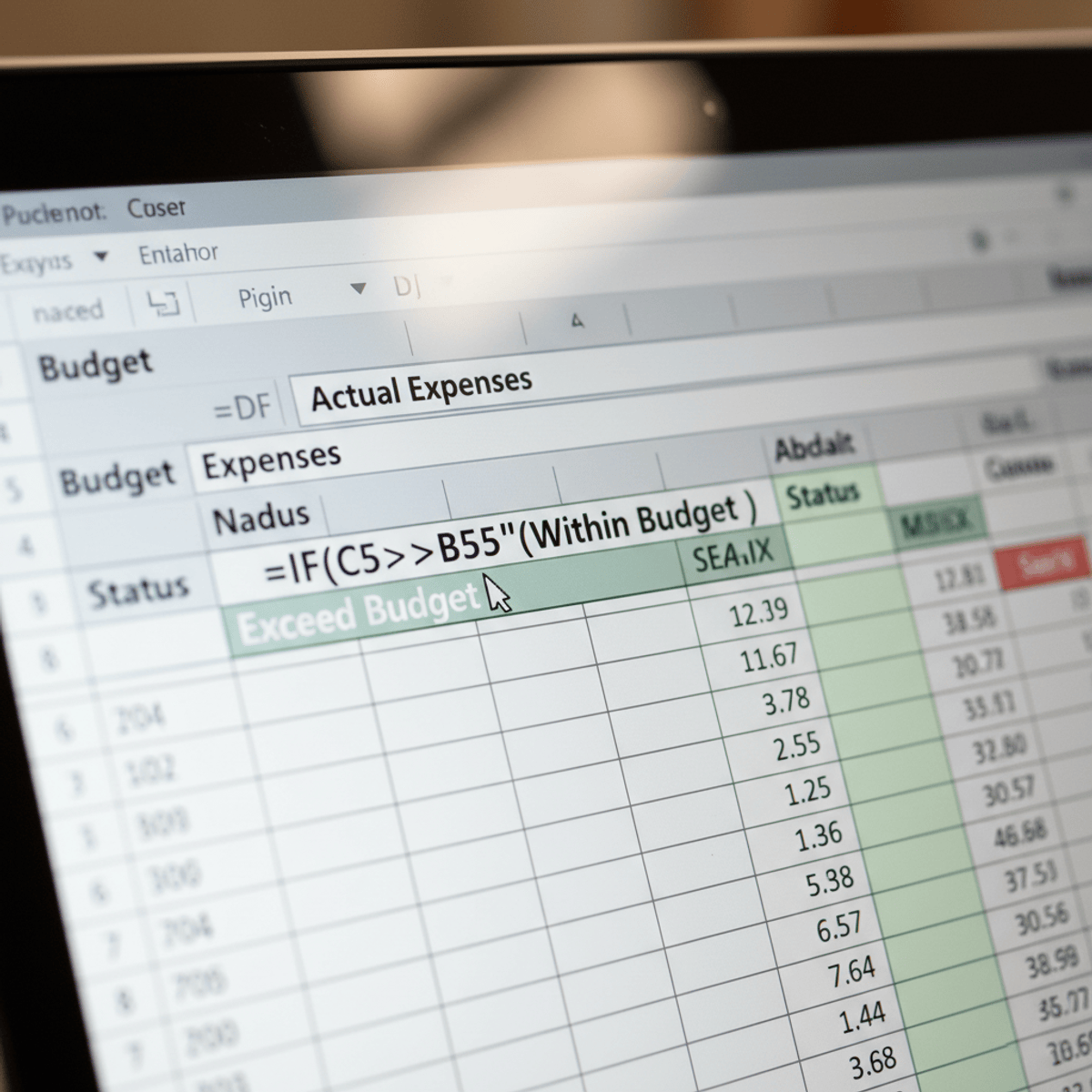
Unlock the full potential of Excel as a professional-grade financial analysis and automation tool. This advanced course goes far beyond basic spreadsheet operations, teaching you how to transform raw data into reliable, actionable insights using cutting-edge techniques.
You'll learn to prepare complex financial datasets using Power Query, create sophisticated PivotTables, and apply advanced Excel functions for trend analysis and forecasting. The course culminates in learning VBA macro development, enabling you to automate repetitive tasks and build robust, error-resistant financial workflows.
From zero-based budgeting to scenario modeling, you'll develop the skills to create dynamic financial models that can handle real-world complexity. Whether you're in finance, consulting, or business strategy, this course will dramatically upgrade your analytical toolkit.
Watch on External: Coursera ↗
(saves to browser)
Sign in to unlock AI tutor explanation · ⚡30
More on: Excel & Spreadsheets
View skill →







Related Reads
📰
📰
📰
📰
Veri Bilimi ve Bulut Bilişim Sistemi ile Bootcamp Deneyimi
Medium · Data Science
SQL Subqueries: A Query Inside a Query (And Why That's Powerful)
Dev.to · Navas Herbert
Source Wars: The Chaos of Ten Conflicting Databases
Dev.to · Jeff Lowery
Day 94/100 – Automated Insert Batching in ClickHouse® 26.3: Higher Throughput with Asynchronous Inserts
Dev.to · Kanishga Subramani
🎓
Tutor Explanation

 DeepCamp AI