Adobe Acrobat: AI Tools, Document Security and Accessibility
Skills:
AI Productivity Tools70%
Key Takeaways
Utilizes Adobe Acrobat AI Assistant for document analysis, security, and accessibility
Original Description
Your manager just sent you a 90-page report and needs a summary in 20 minutes. A contract going to a client still has internal salary figures buried on page 14. A document you spent hours on is inaccessible to half the people who need to read it.
These are the moments where knowing Adobe Acrobat at a deeper level pays off immediately.
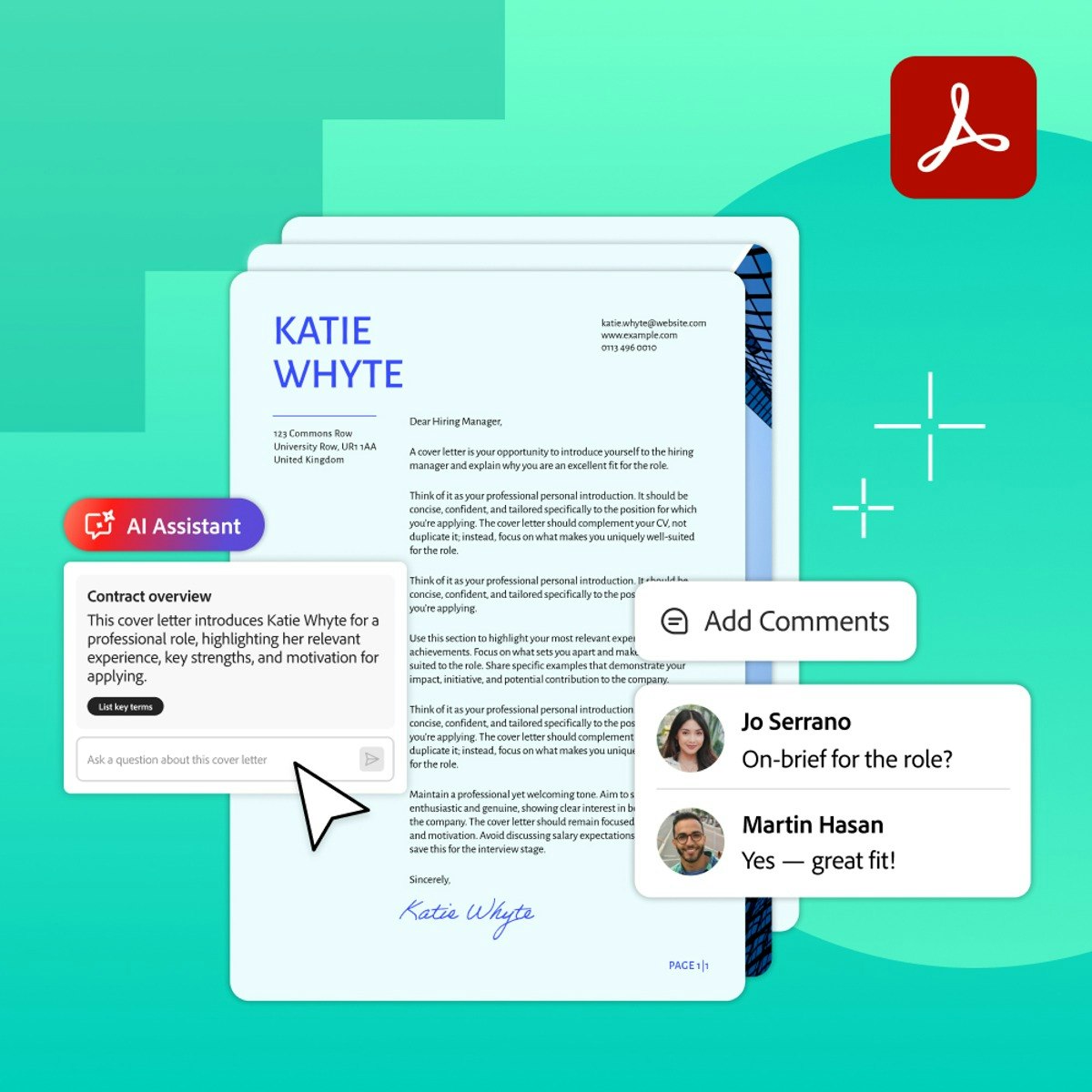
In this course you will use Adobe Acrobat AI Assistant to analyze, summarize, and extract insights from complex documents so you can work through dense content in minutes rather than hours. You will apply professional redaction and security tools to permanently remove confidential information and control who can view, edit, or print your files. And you will learn foundational accessibility practices that ensure your documents work for every reader, on every device, in every context.
These are the capabilities that matter most in regulated industries and high-stakes professional environments, and they are the skills that separate someone who uses Acrobat from someone who uses it well. By the end of this course you will know not just how to use these tools but when and why to reach for them, which is what professional-level judgment actually looks like.
Watch on External: Coursera ↗
(saves to browser)
Sign in to unlock AI tutor explanation · ⚡30
More on: AI Productivity Tools
View skill →








Related Reads
📰
📰
📰
📰
I Started Tracking How Much Time I Spent Correcting AI Output. The Number Changed Everything.
Dev.to · Avery
The Top 5 AI Tools You Can Use Every Day to Save Hours
Medium · ChatGPT
How AI Is Changing Print Commerce Beyond Image Generation
Dev.to AI
From Vision to Visuals: Gail Scott on Using AI to Finally Bring Creative Ideas to Life
Dev.to AI
🎓
Tutor Explanation

 DeepCamp AI