A Second Brain with Obsidian
Key Takeaways
Using Obsidian for note taking and building a digital brain
Original Description
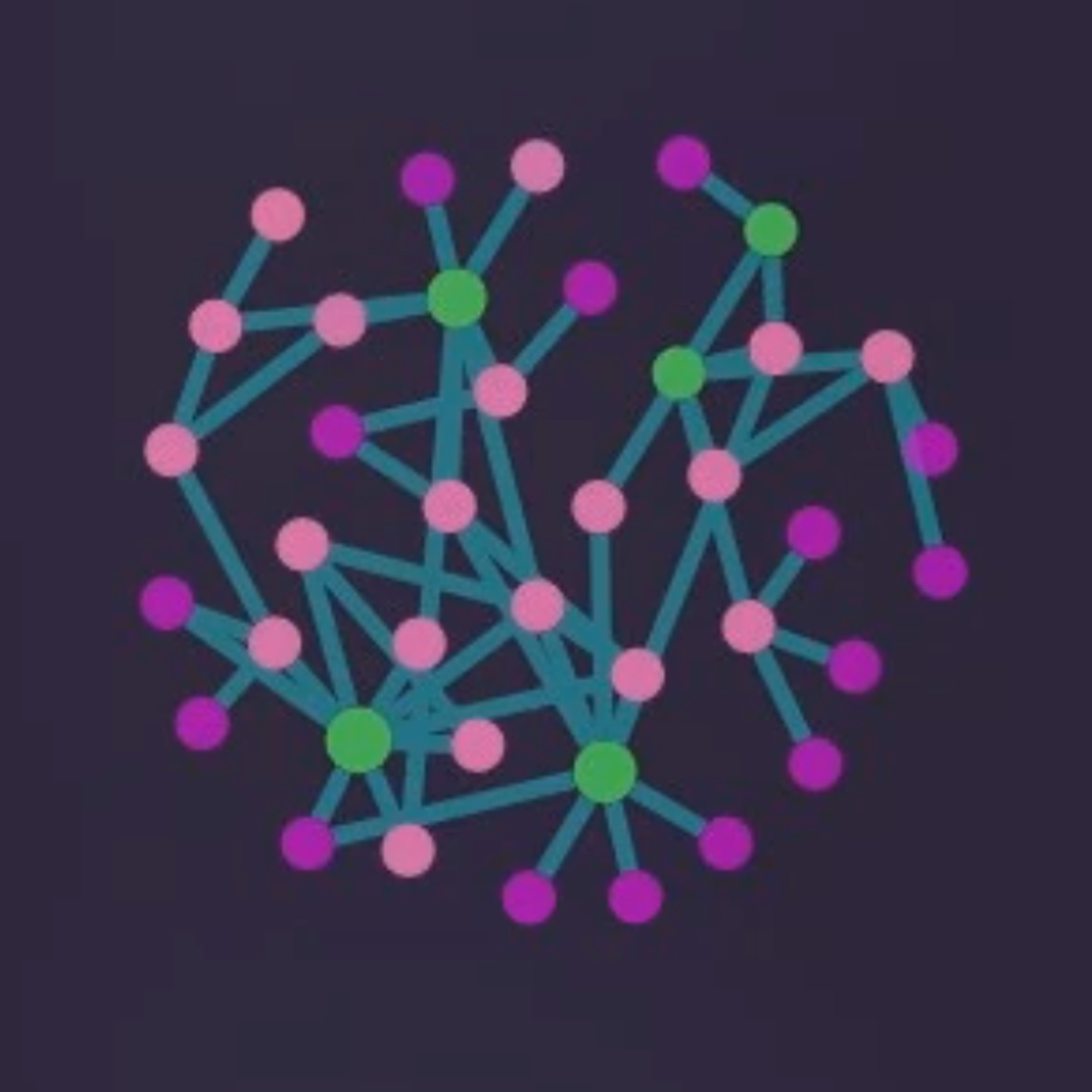
In this hands-on guided project you will learn how to use the knowledge base app Obsidian. With its powerful interface, Obsidian makes it easy for anyone to structure note taking dynamics suitable for a variety of purposes: from personal journaling, to study or work notes. On top of that, one can establish links across notes and quite literally build a digital brain based on all of these connections, powered by Obsidian's Graph View.
AI explanation not available for this lesson yet
This lesson is still being prepared for the AI tutor. In the meantime, explore lessons that are ready.
Browse explainer-ready lessons →
More on: UI Design
View skill →








Related Reads
📰
📰
📰
📰
What I Thought My UX Portfolio Needed vs. What Interviewers Actually Cared About
Medium · UX Design
Designing a Domain Lookup UI Around Evidence, Not a Green Badge
Dev.to AI
React: GraphQL vs. REST API: Comprehensive Guide ✋
Medium · Programming
My Thoughts After Exploring Raja Luck Game
Dev.to AI
🎓
Tutor Explanation

 DeepCamp AI