Wtat

📰 Dev.to · Charlie Fubon

Learn to use JUnit 5 for testing Java applications and understand its importance in software development

intermediate Published 22 Jun 2026
Action Steps
  1. Install JUnit 5 using Maven or Gradle
  2. Configure JUnit 5 in your Java project
  3. Write test cases using JUnit 5 annotations
  4. Run tests using the JUnit 5 test runner
  5. Analyze test results to identify and fix bugs
Who Needs to Know This

Software engineers and developers can benefit from this knowledge to write efficient tests for their Java applications

Key Insight

💡 JUnit 5 is a powerful testing framework for Java applications

Share This
💡 Improve your Java testing skills with JUnit 5!

Full Article

Perfect. I have everything I need. What I can see: JUnit 5 (org.junit.jupiter) —...
Read full article → ← Back to Reads

Related Videos

Dropout in Deep Learning
AnuTech-CH
Reinforcement Learning : Agent, Environment, Action, Reward, Policy Simply Explained
codehubgenius
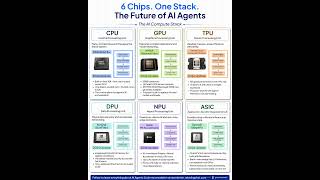
6 AI Chips Explained | CPU vs GPU vs TPU vs NPU
Rakesh Gohel
1. Overview of Artificial Intelligence | What is AI? Fundamental Concepts  & Complete History of AI
1. Overview of Artificial Intelligence | What is AI? Fundamental Concepts & Complete History of AI
Professor Rahul Jain
2. Artificial Intelligence (AI) Explained | AI Problems, AI Techniques & Real-World Applications
Professor Rahul Jain
4. Problem Formulation in AI | Production Systems, Control Strategies & Problem Characteristics
Professor Rahul Jain